Ultra Aquarium is a living 3D reef for your PC. Use it as your screensaver or as live wallpaper. If you have more than one monitor, it spreads across all of them as one big tank, and the fish swim from one screen to the next. It's free. And now it has a second scene, the Glass Tank, with Real 3D: your webcam follows your head and the screen turns into a window.
New in version 7.50
REAL 3D
Your screen becomes a window. Move your head and look into the tank.
- 1
Turn it on
It's on from the start in 7.50. In Settings it's the switch called Real 3D: look into the tank as you move.
- 2
It follows your head
Your webcam keeps track of where your head is. It all happens on your PC, and nothing is recorded.
- 3
Look around
Lean left and you see round the right side of the rock. Stand up and you look down into the water. Get close and the tank feels like it goes back behind your screen.
These clips were filmed with a phone pointed at a laptop. The phone stands in for your eyes. On your own PC the webcam does the same job, so the picture moves with you. It works best with one person sitting in front of the screen.
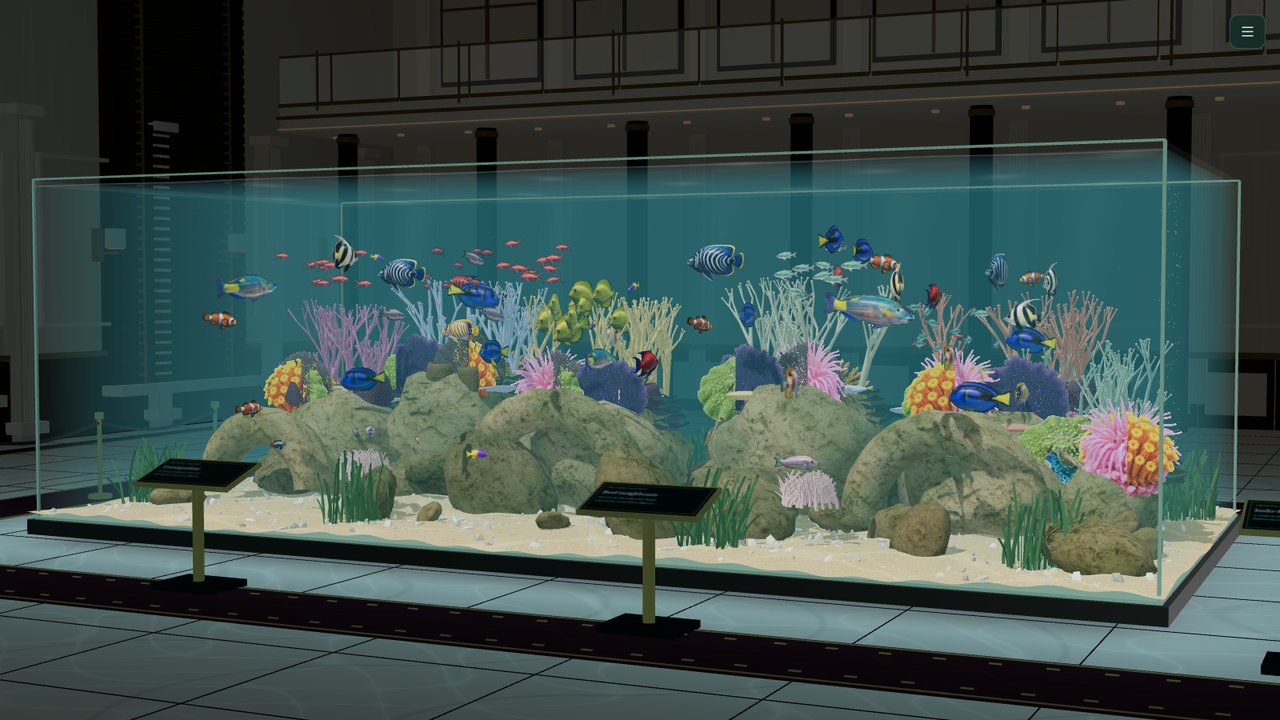
NEW · NO INSTALL
Ultra Aquarium in your browser
Not on Windows, or just want a quick look? Open the web version on a Mac, a Chromebook, a phone or a tablet. It has its own living tank, and the head-tracked 3D view works there too, using your device's camera.
- Free
- Phones & tablets
- Mac & Chromebook
- Real 3D with your camera
- Full screen
New in 7.50 · a whole new scene
The Glass Tank
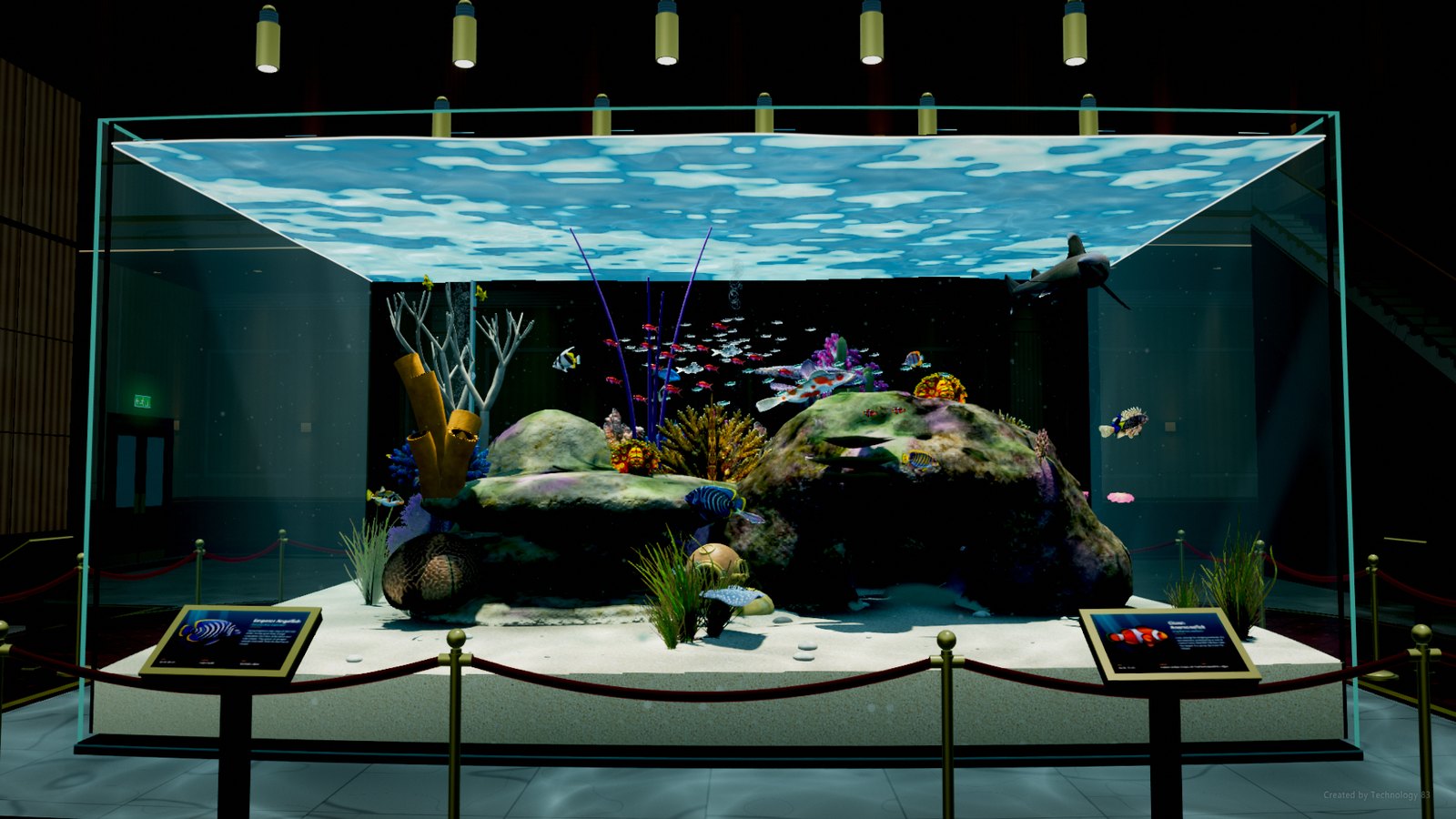
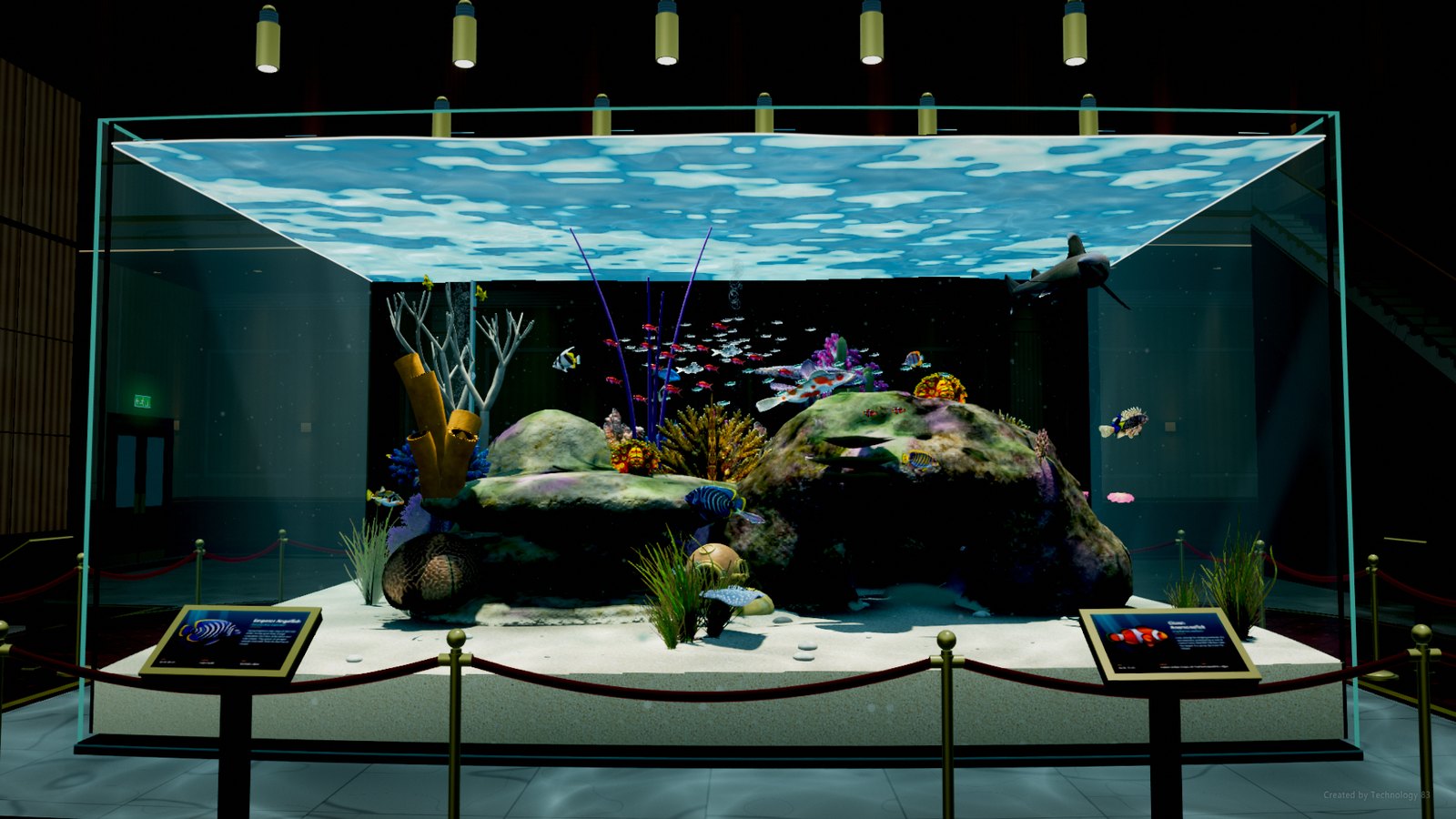
Swap the open sea for a huge public-aquarium tank in a dark, grand hall. Velvet ropes on brass posts, a carpet that leads you round, and plaques by the glass with real photos of the fish inside. Pendant lights hang over the water, and the tank glows in the dim hall the way the big ones do.
A resident shark
A shark lives in the tank and makes slow laps round the reef, close past the glass.
Light through the water
Ripples on the surface, rippling light across the sand and the hall floor, and the lights overhead only a soft blur from under the water.
Four places to stand
Press C to go from the whole tank to up close, round the corner, or down low by the sand.
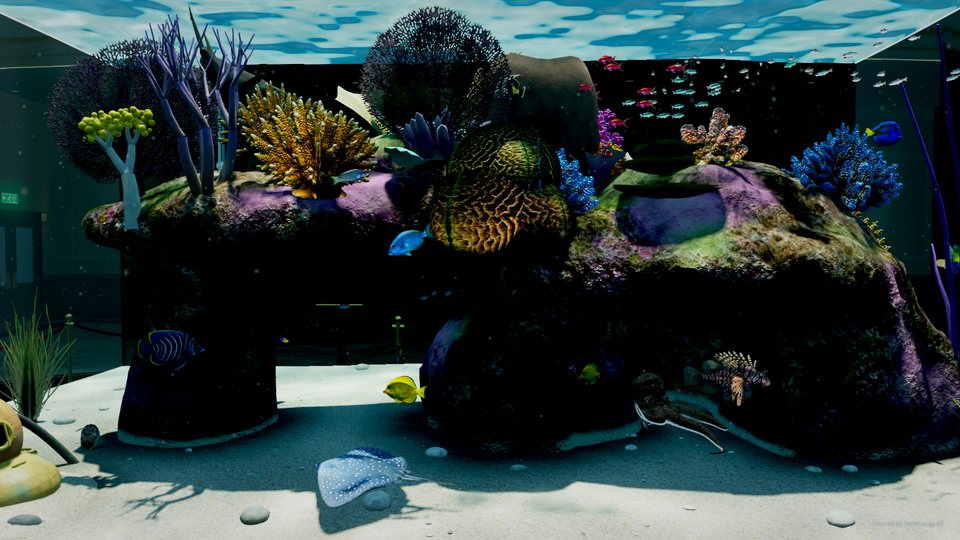
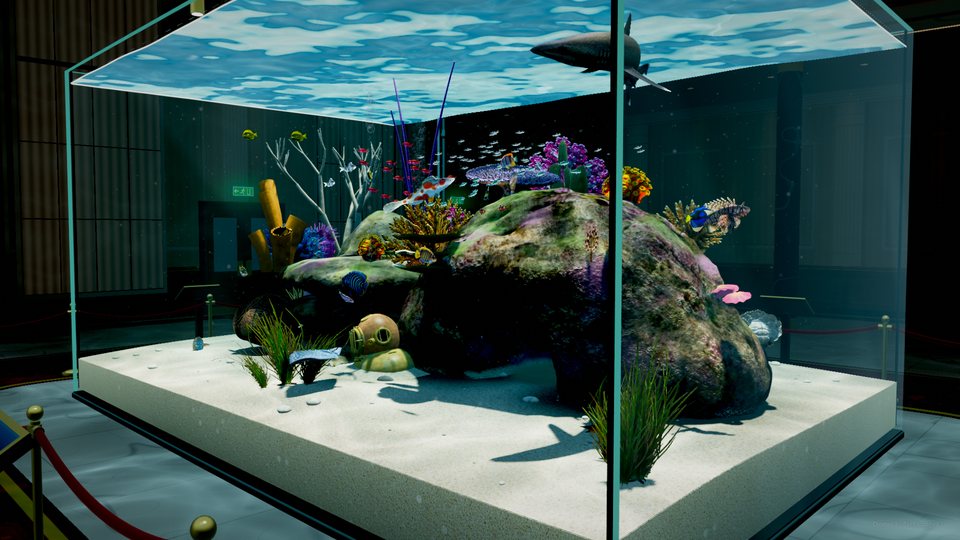
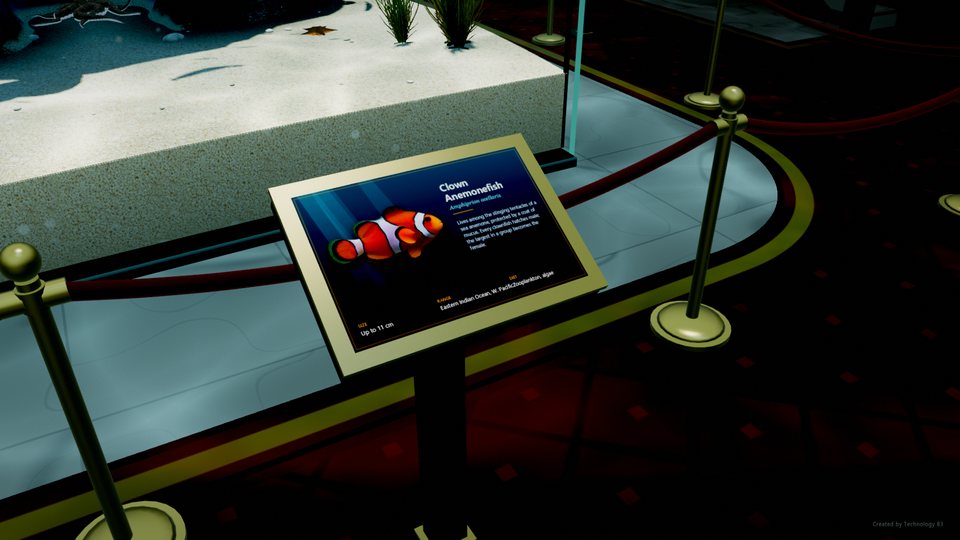
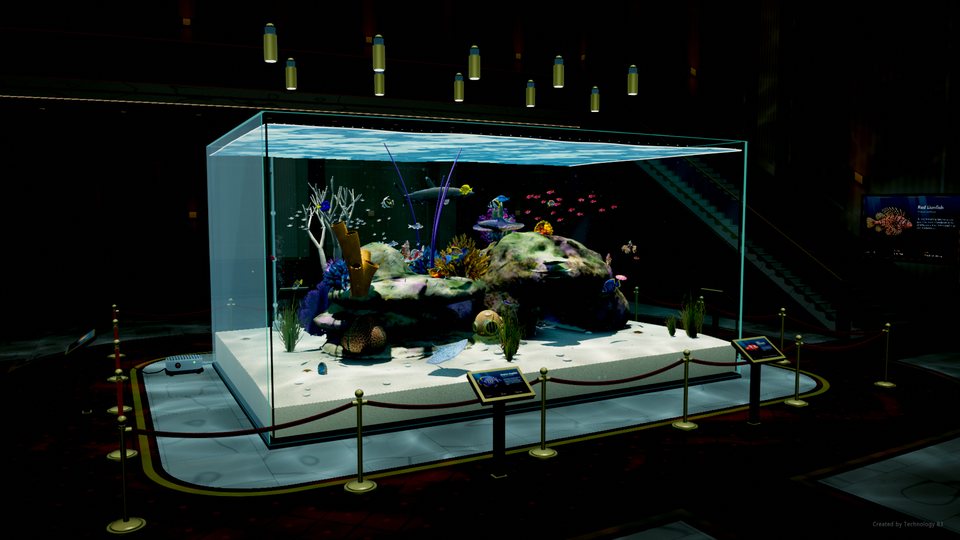
Pick Glass tank on the first page of Settings. It's the new default, and the open sea is still one click away.
Made for multi-monitor setups
Two, three or four screens, different sizes, different refresh rates. It doesn't matter. Tell it how thick your bezels are and the picture lines up across the gaps.
Pick your screens
Choose which monitors get the reef. The rest keep your normal desktop.
Feed the fish
Press F and food drops in from the surface. Watch them come up for it.
Easy on laptops
Quality 1 runs on built-in graphics. Quality 10 is for a proper graphics card.
Simple settings
Pick your screens, pick a quality, hit Launch. Everything else is under Advanced.
Still the star of the open sea…
Octopus Boy!
Meet the newest resident. He lives in a cave under the big rock and pretty much does his own thing. He crawls around on all eight arms, changes colour to blend in with the sand or the rock, and if something spooks him, he's gone in a flash. He comes out more at night.
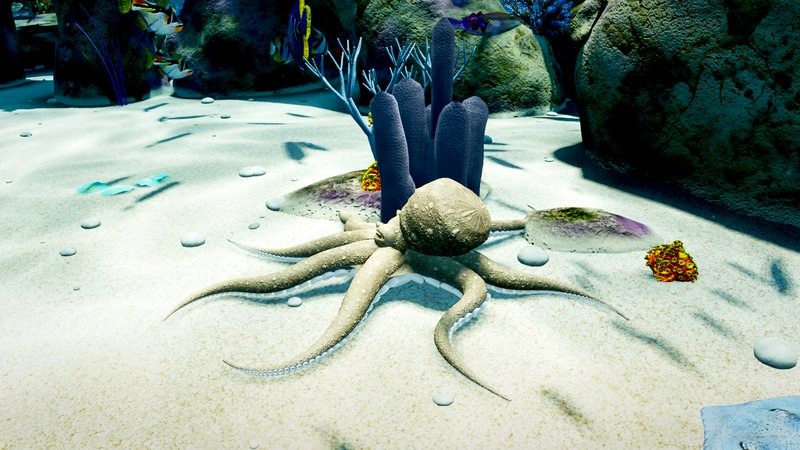
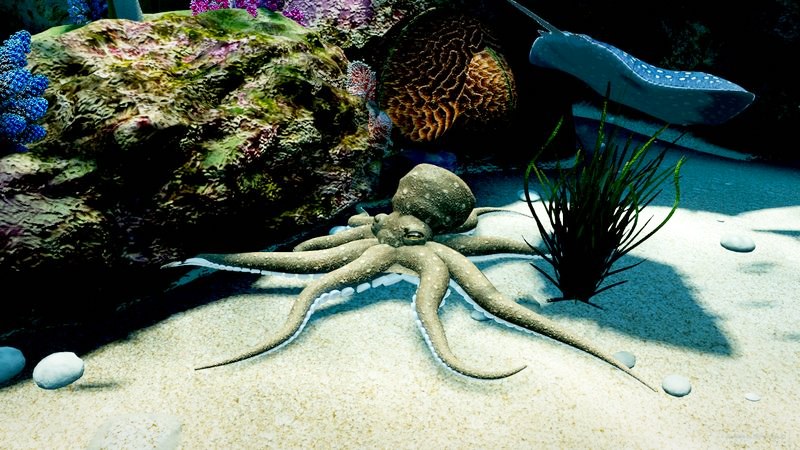
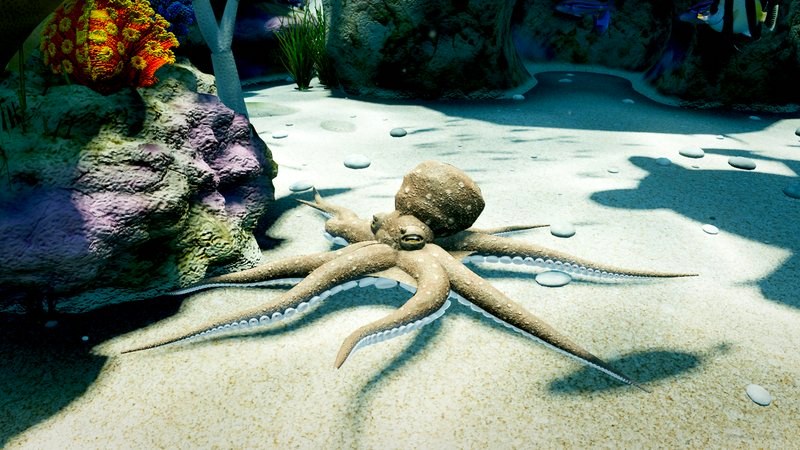
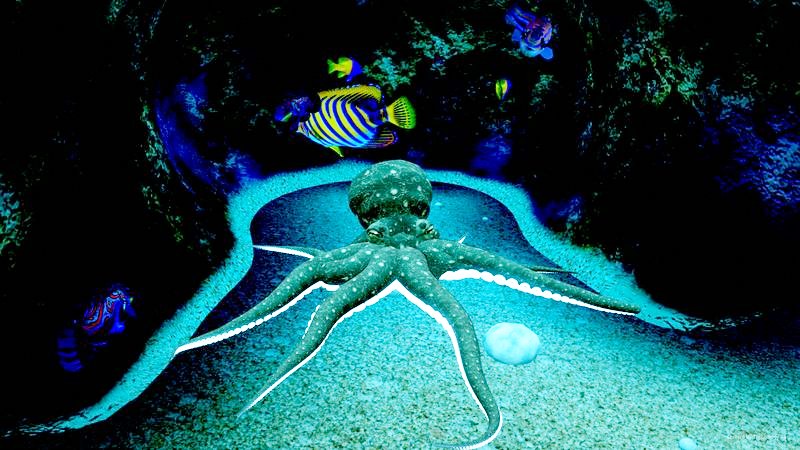
Follow him: in Settings, switch to Advanced, then pick “Follow Octopus Boy” under Camera.
New in 7.50
- The Glass Tank. A whole new scene: a huge aquarium in a grand hall, with velvet ropes, brass posts, plaques with real fish photos, and pendant lights over the water. It's the new default.
- Real 3D. Your webcam follows your head and the view moves with you, like looking through a window. On from the start, and it all stays on your PC.
- A resident shark in the tank that does slow laps round the reef.
- A gentle drifting camera, on from the start at a calm 35%. Change it or switch it off in Settings.
- A simpler first page in Settings: pick a scene, pick a quality, launch. It lists the keyboard shortcuts and has a Reset to defaults link.
- The clock key (D) now goes through time, time and date, and both again on frosted glass.
- The web version at 3d.technology83.com, for Macs, Chromebooks, phones and tablets.
- Lots of smaller fixes, and it runs smoothly at quality 1.
Earlier: what came in 7.25
- Octopus Boy, who lives in a cave under the big rock.
- Better fish models with real eyes that look around, mouths that open and close, and fluttering front fins.
- An old diver's helmet half buried in the sand.
- A blue-spotted stingray, starfish, and feather duster worms that duck in when a fish gets close.
- The sea turtle and the manta ray rebuilt from scratch, and a cleaning station where small wrasse pick over the bigger fish.
- New cameras: follow the octopus, follow a fish, or take a slow tour of the reef.
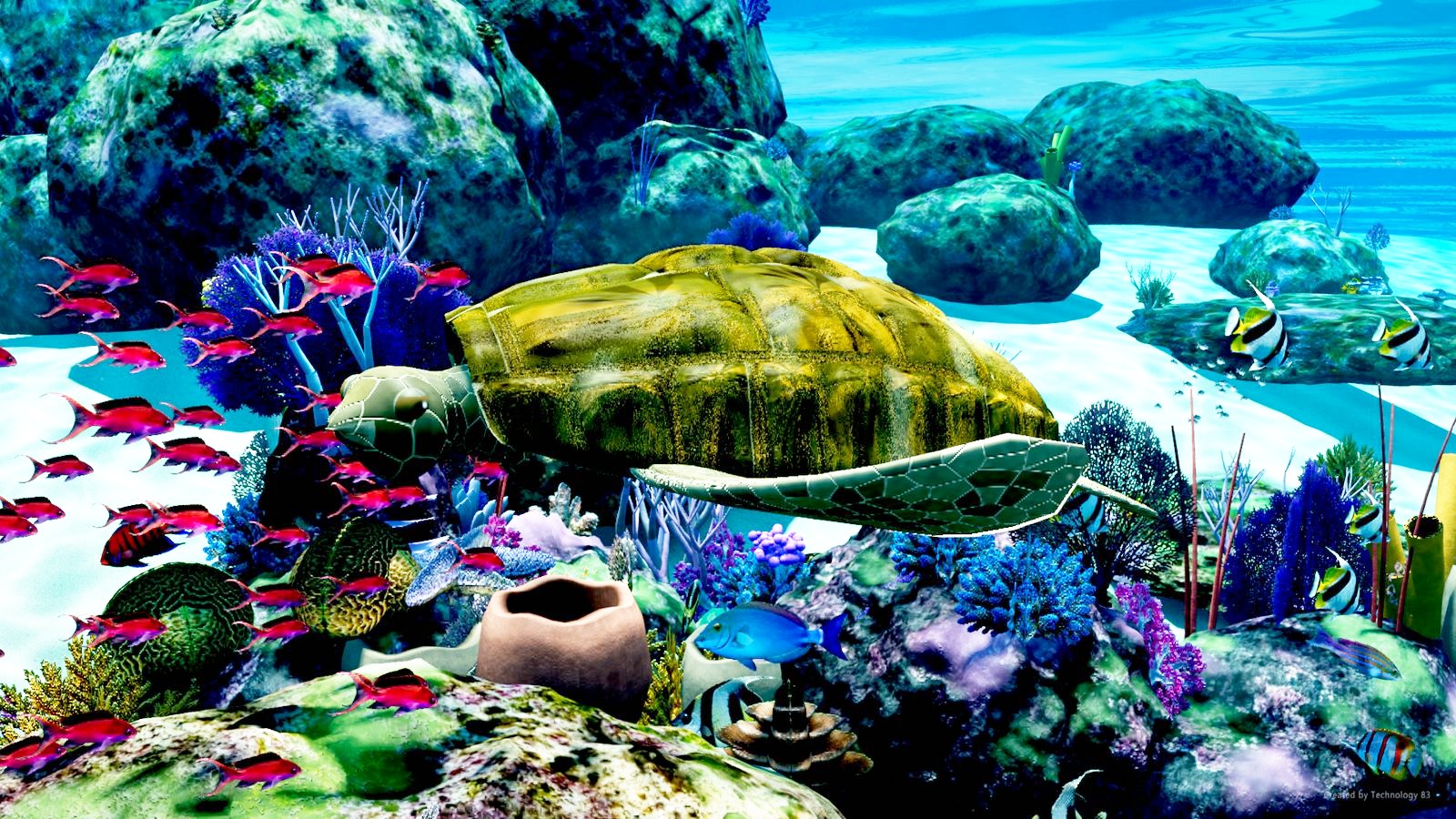
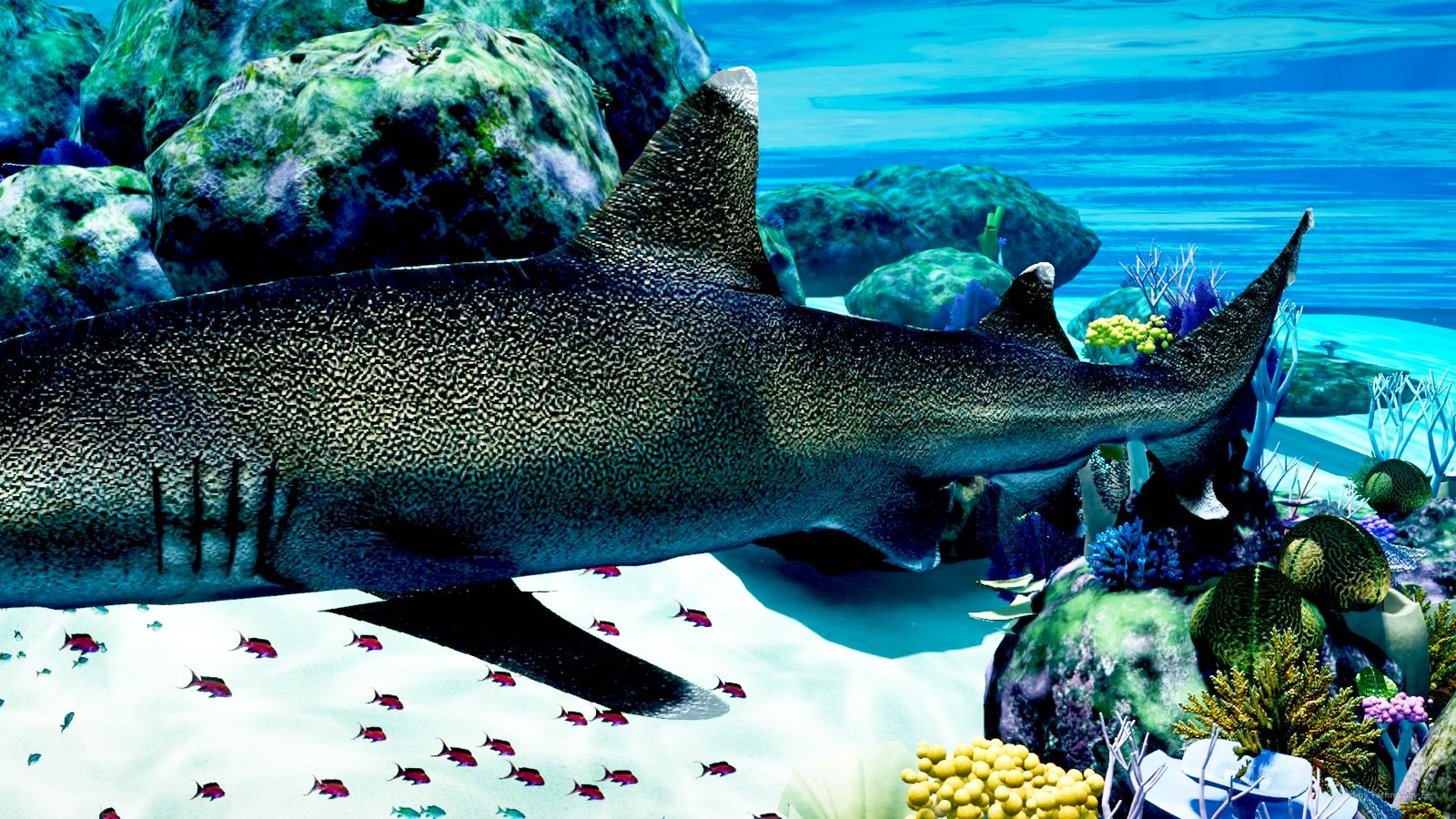
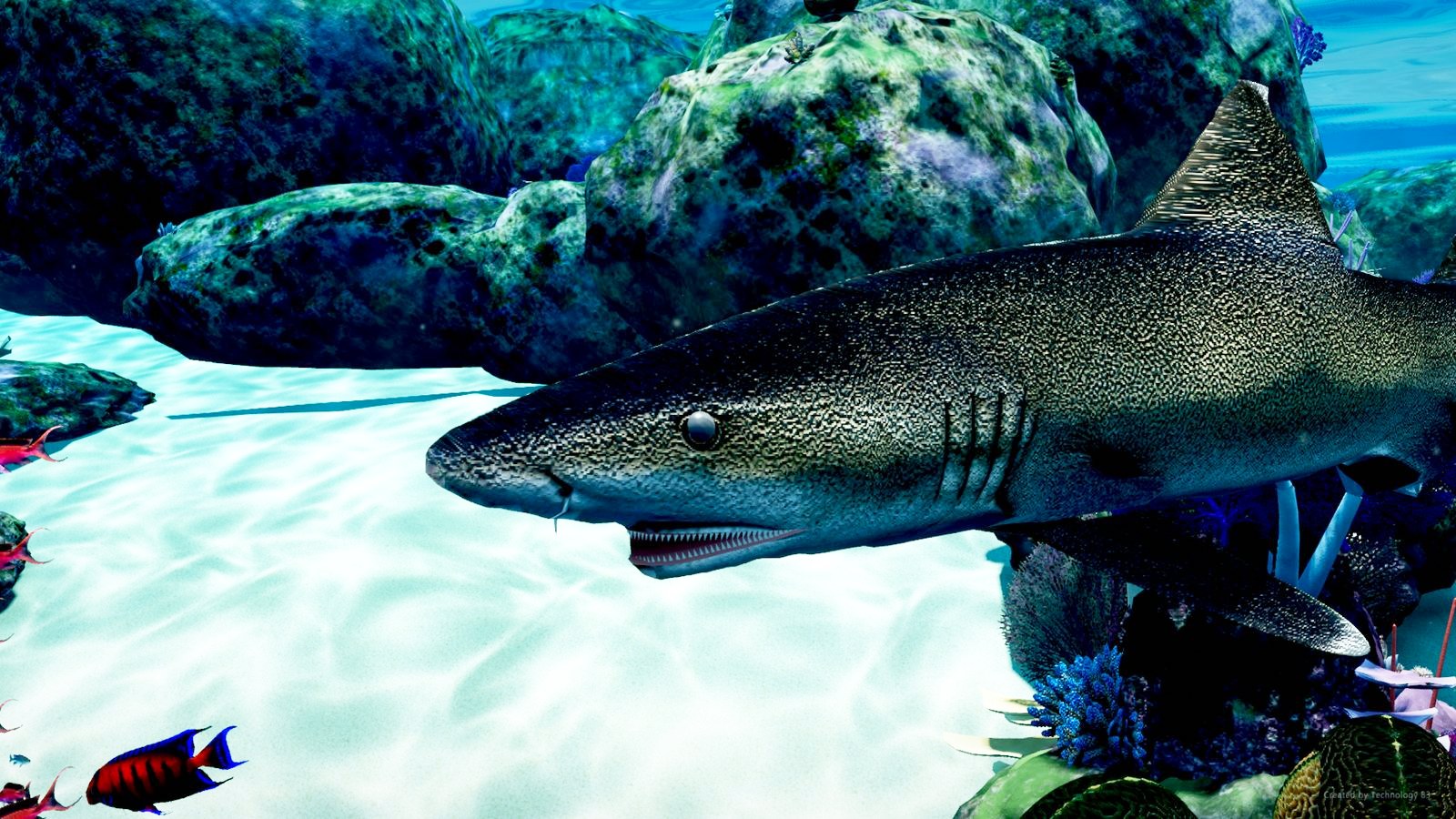
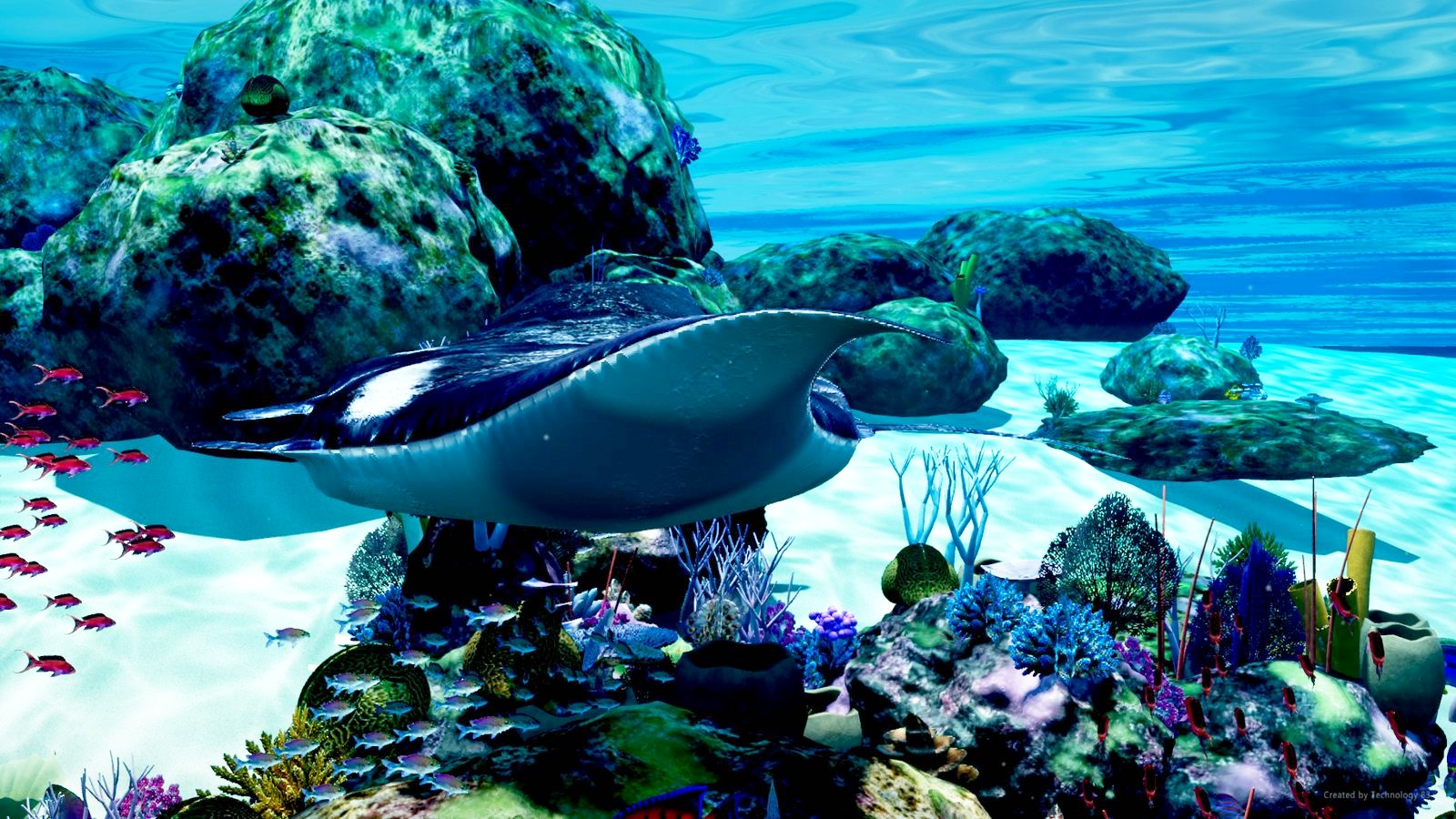
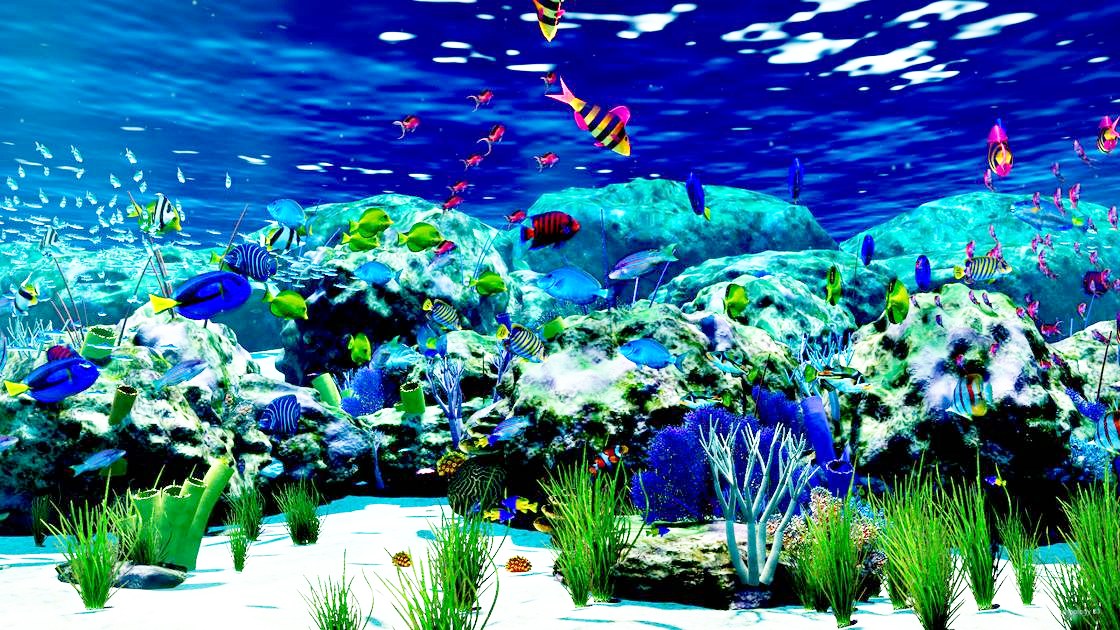
Screenshots
All taken straight from the app. Click any of them to see it full size.
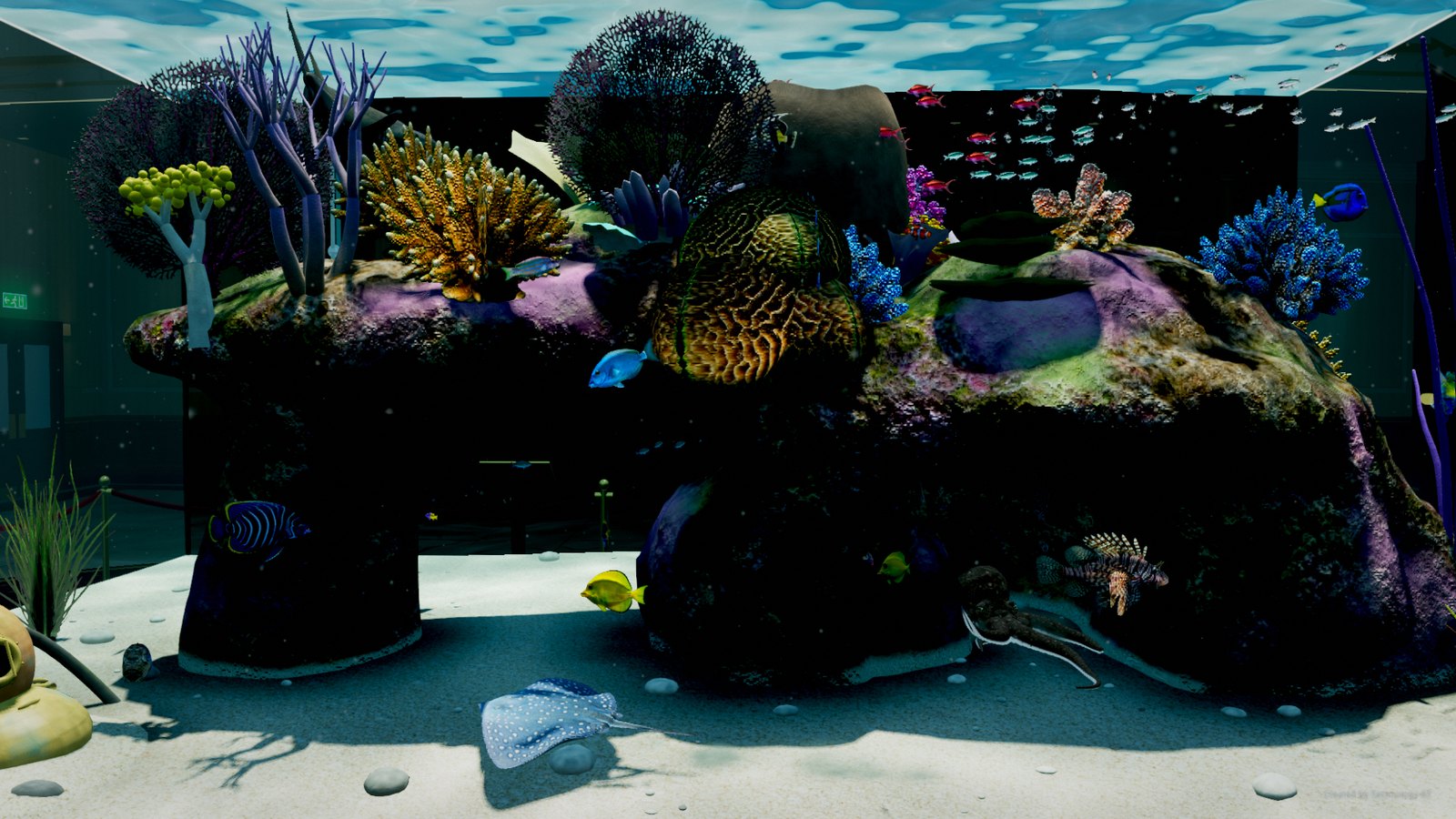
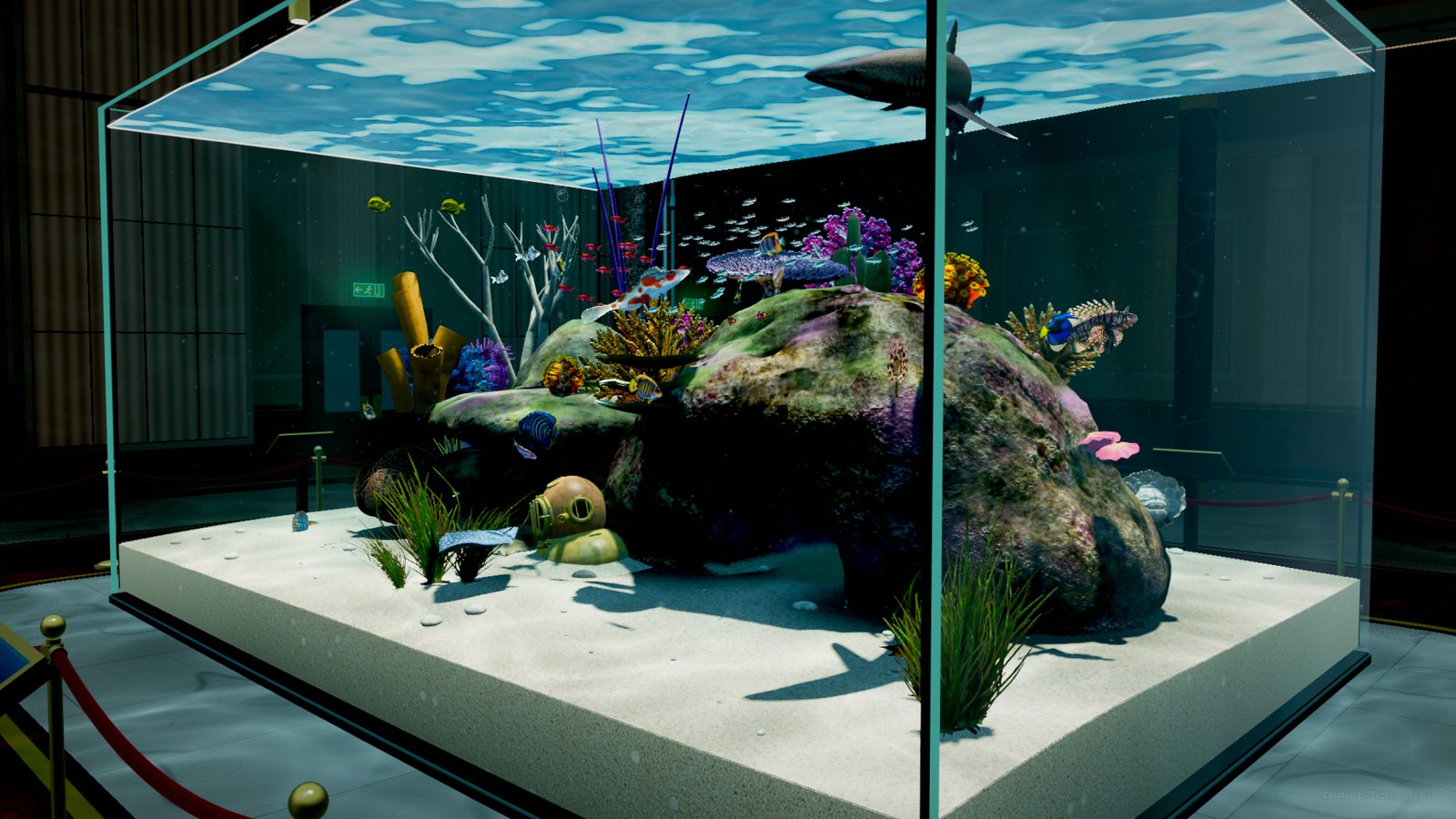
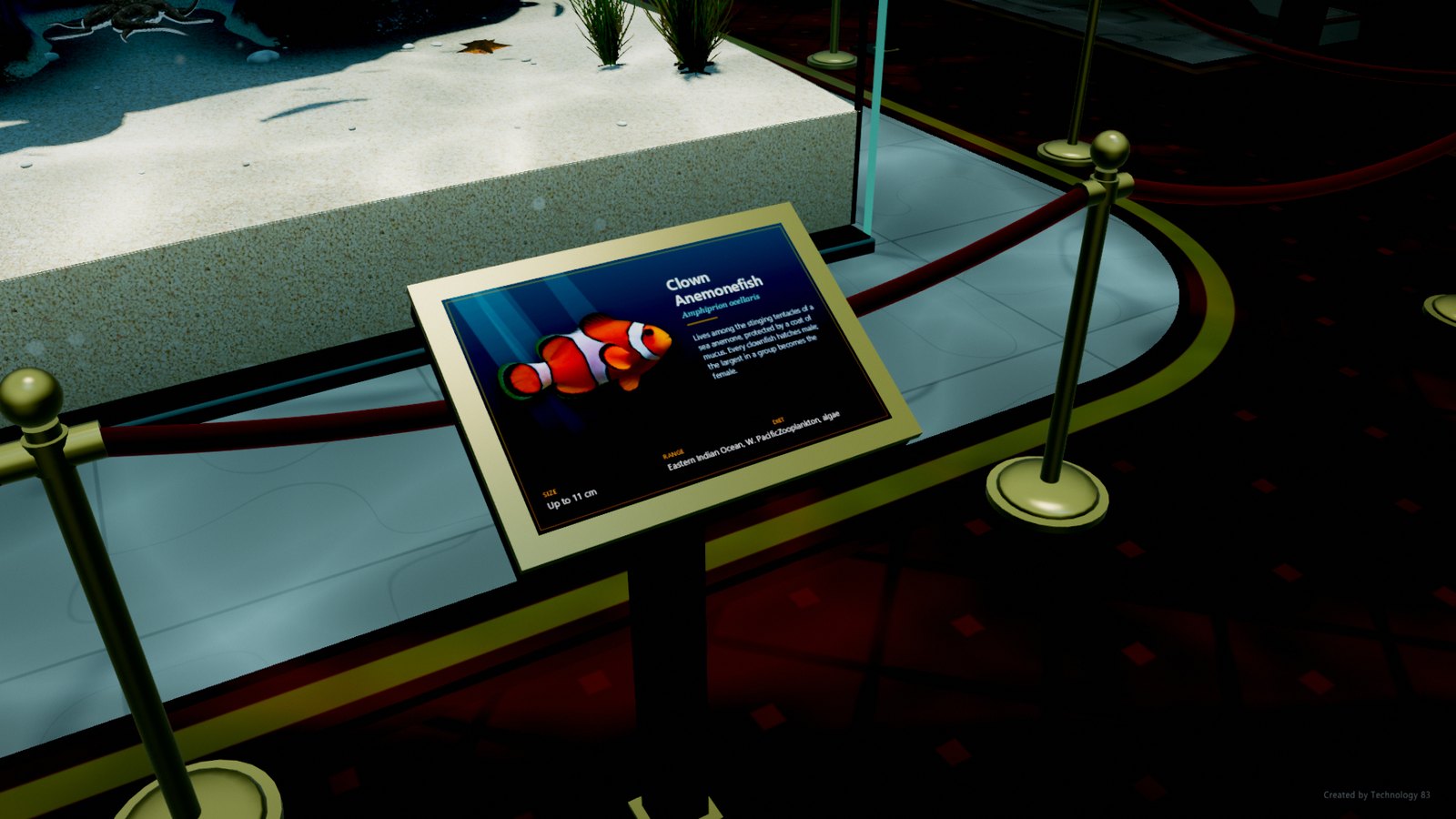
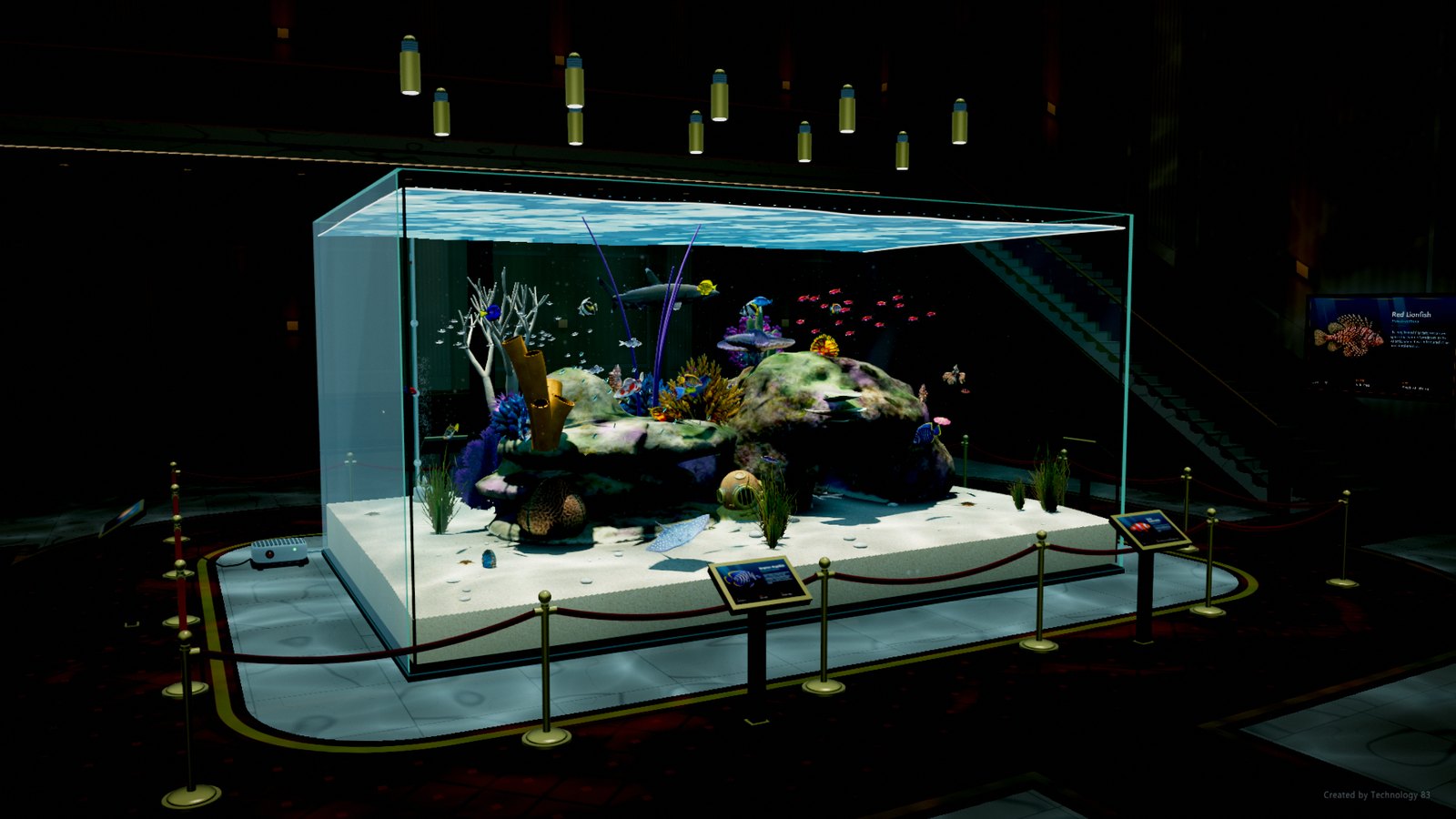
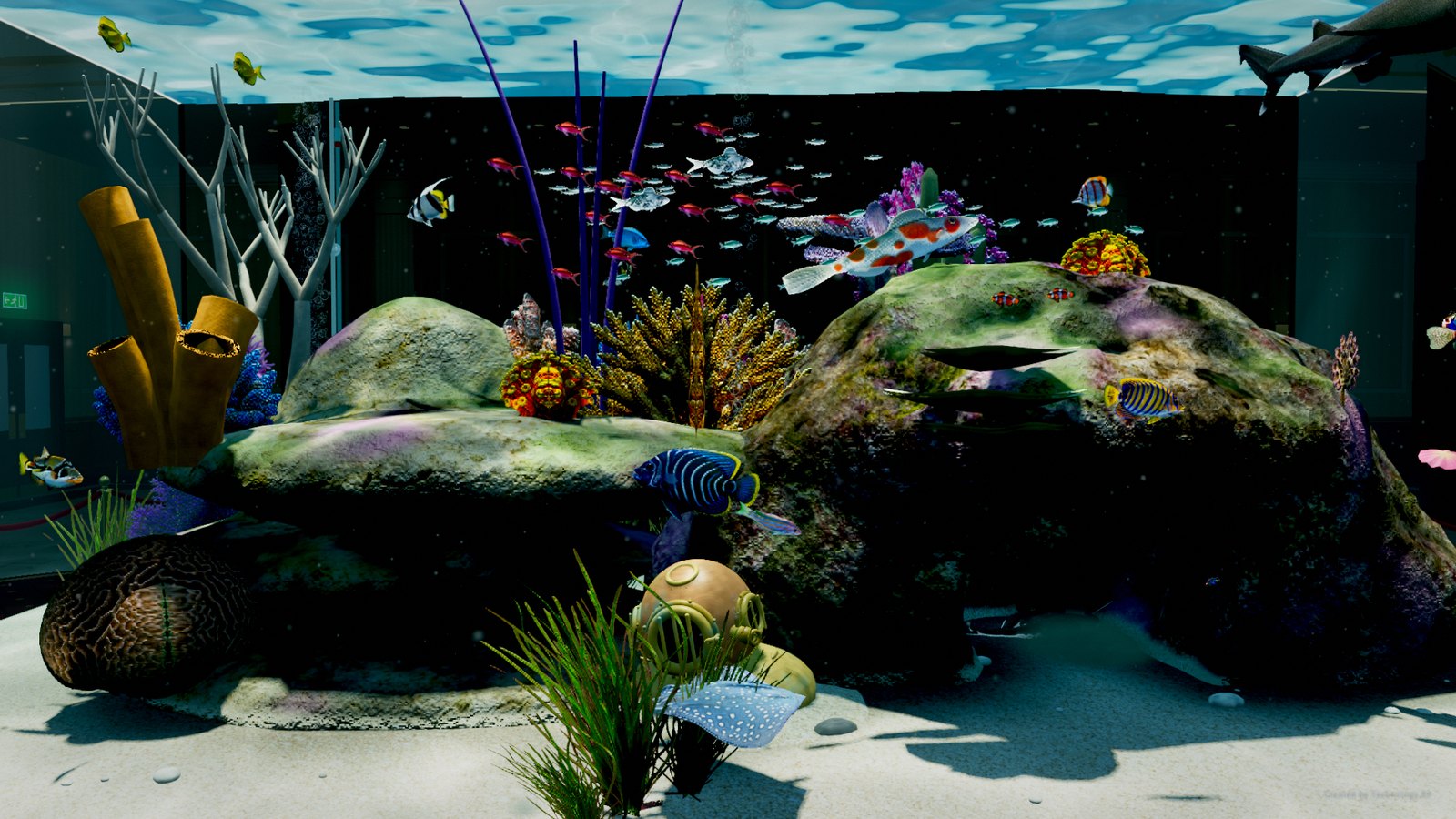
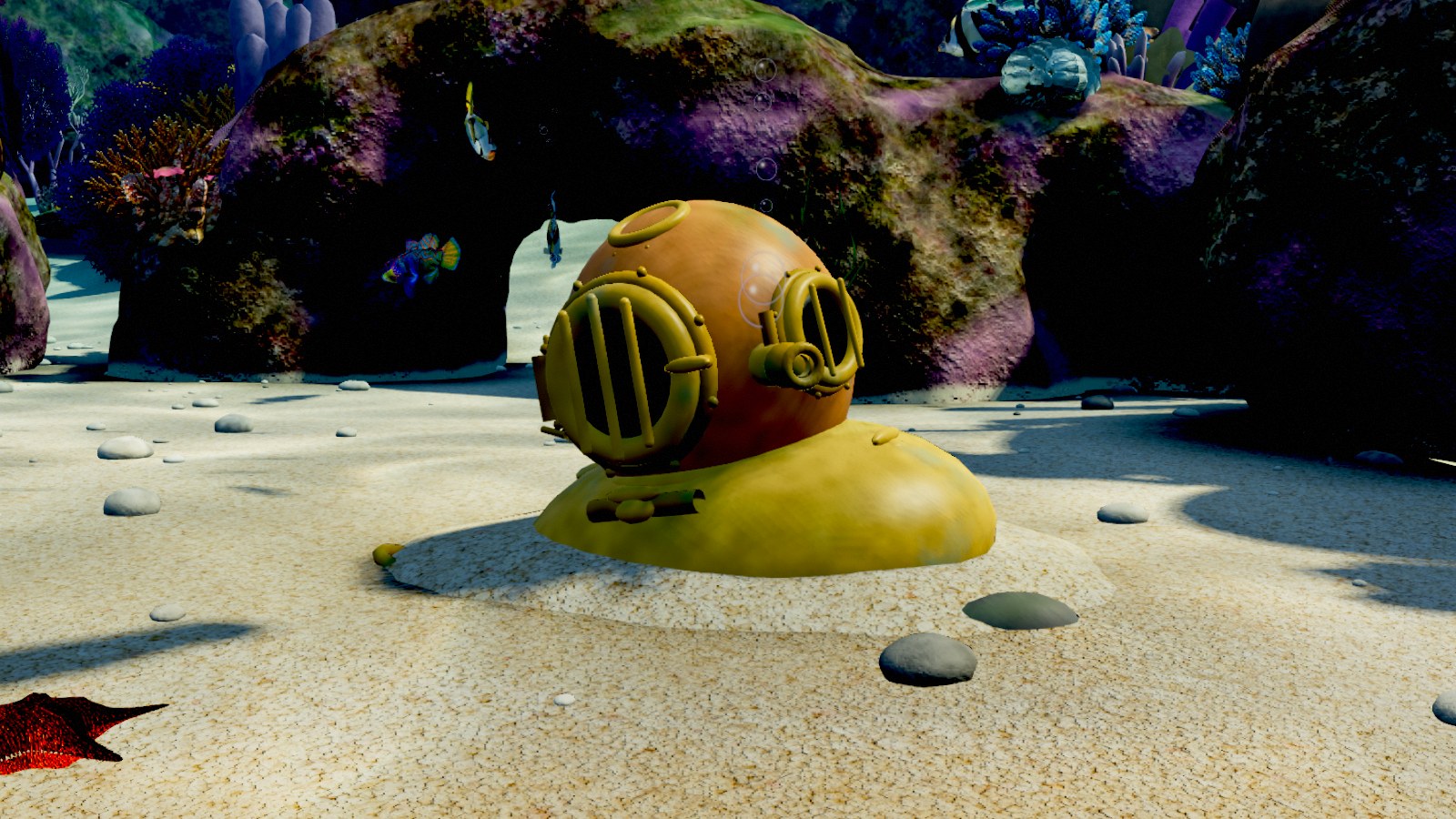
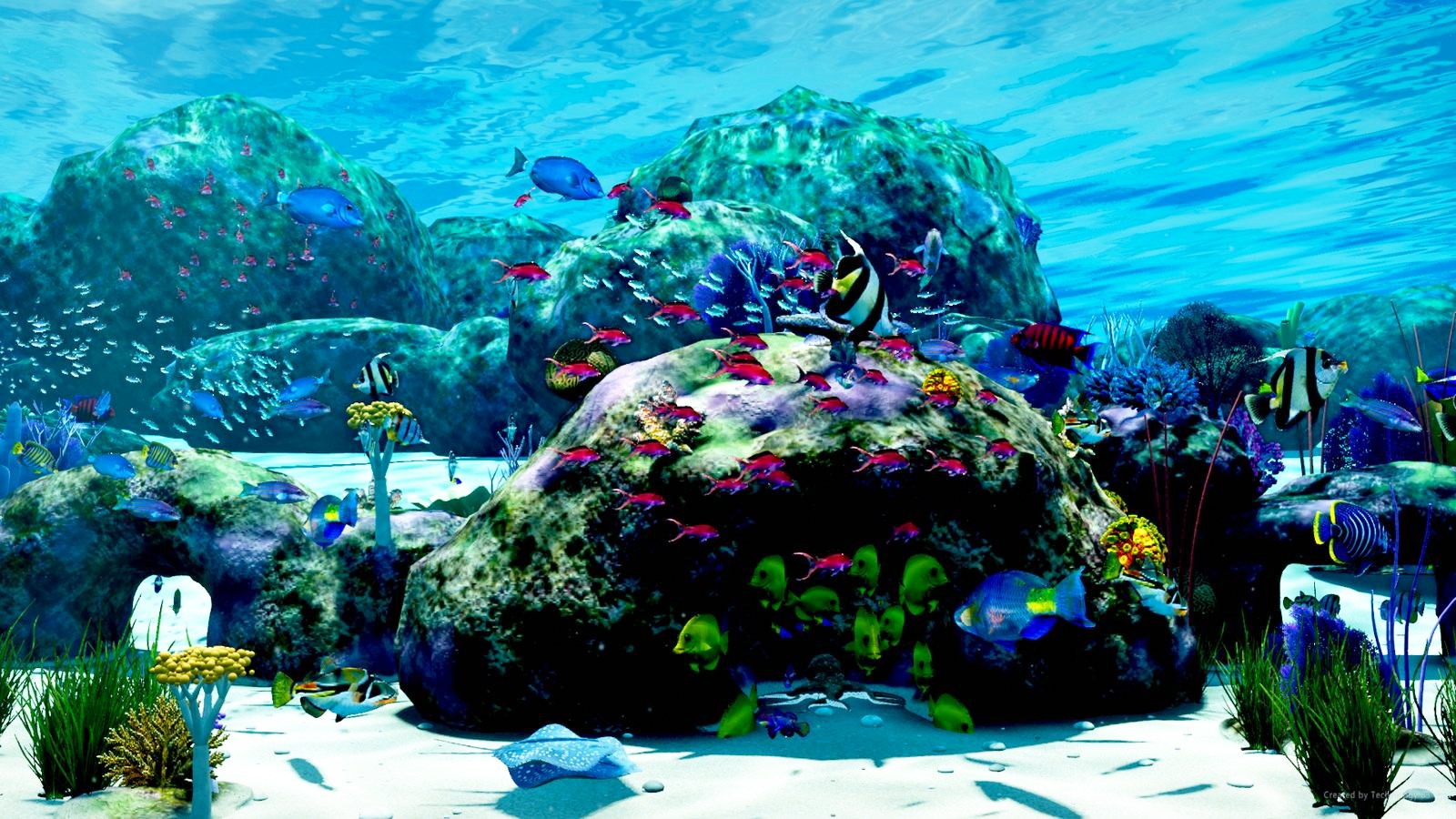
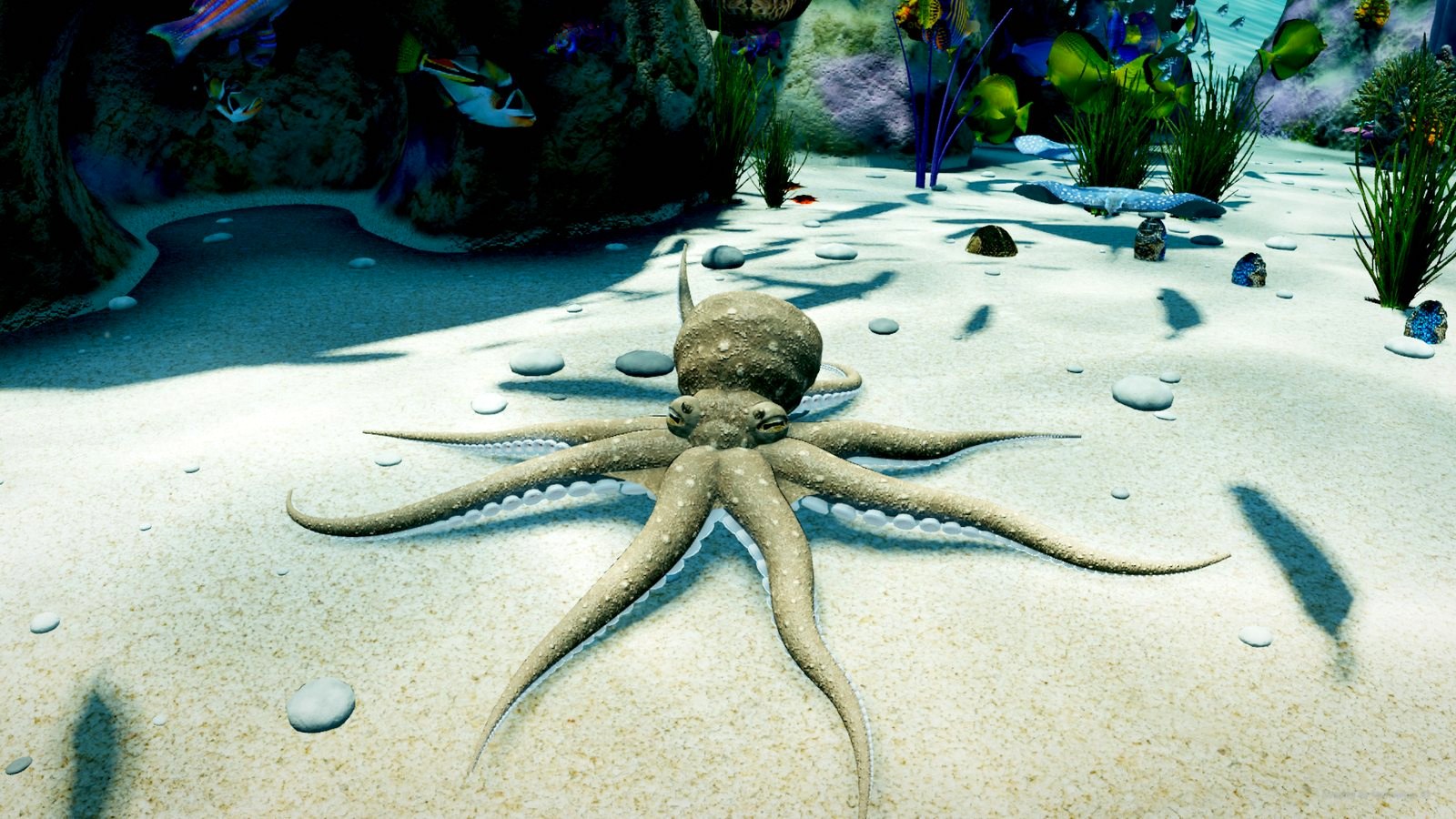
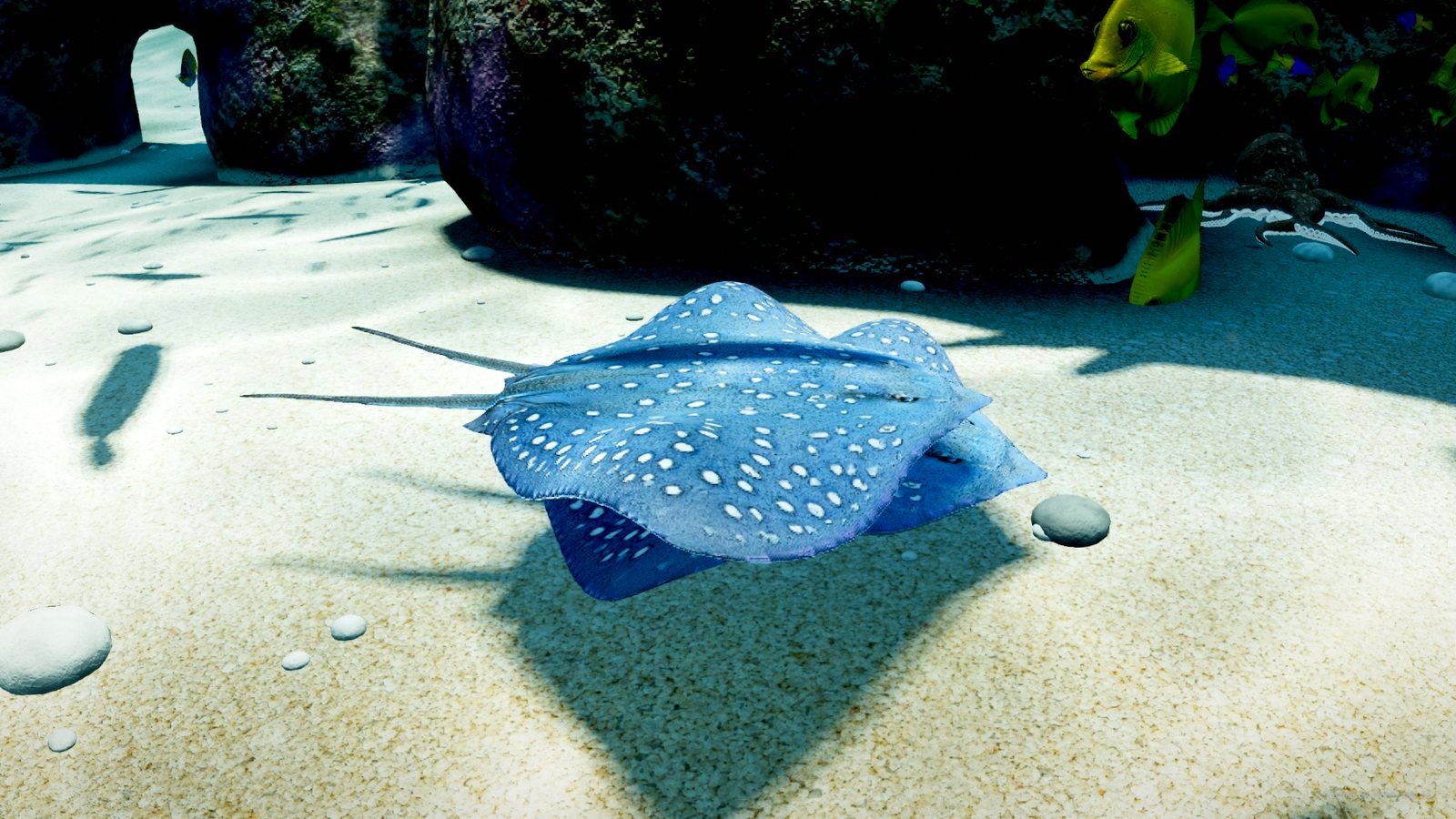
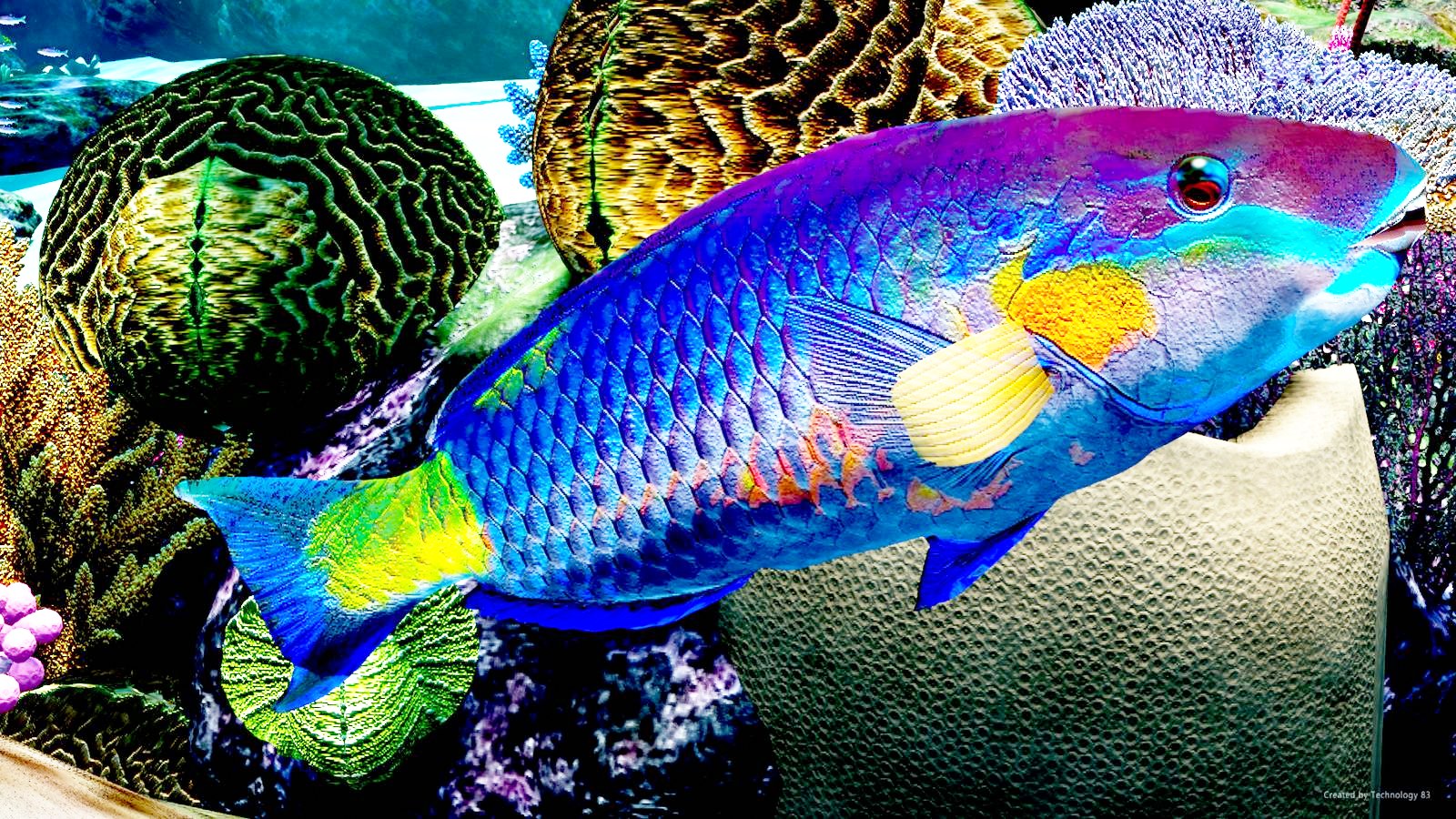
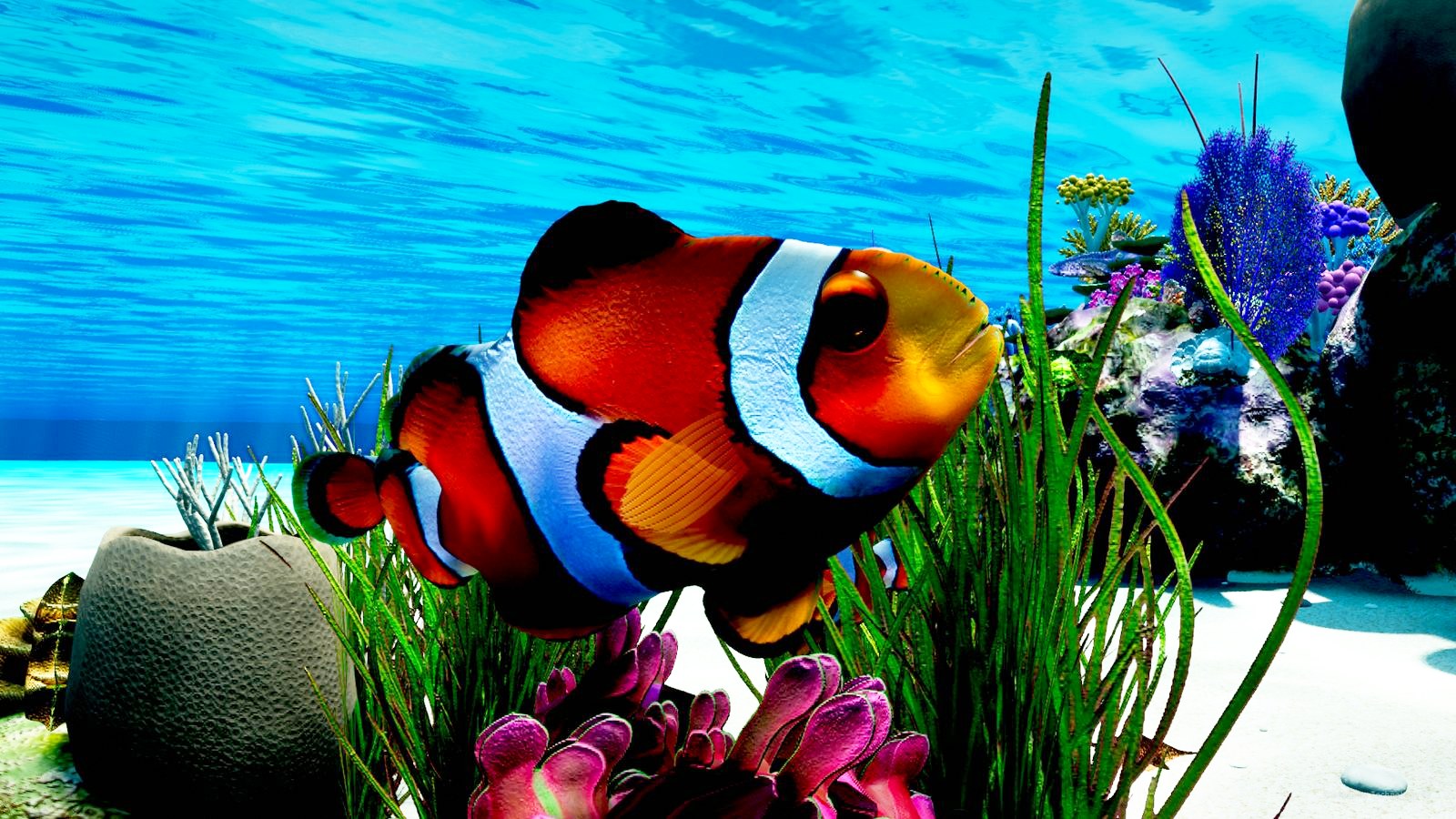
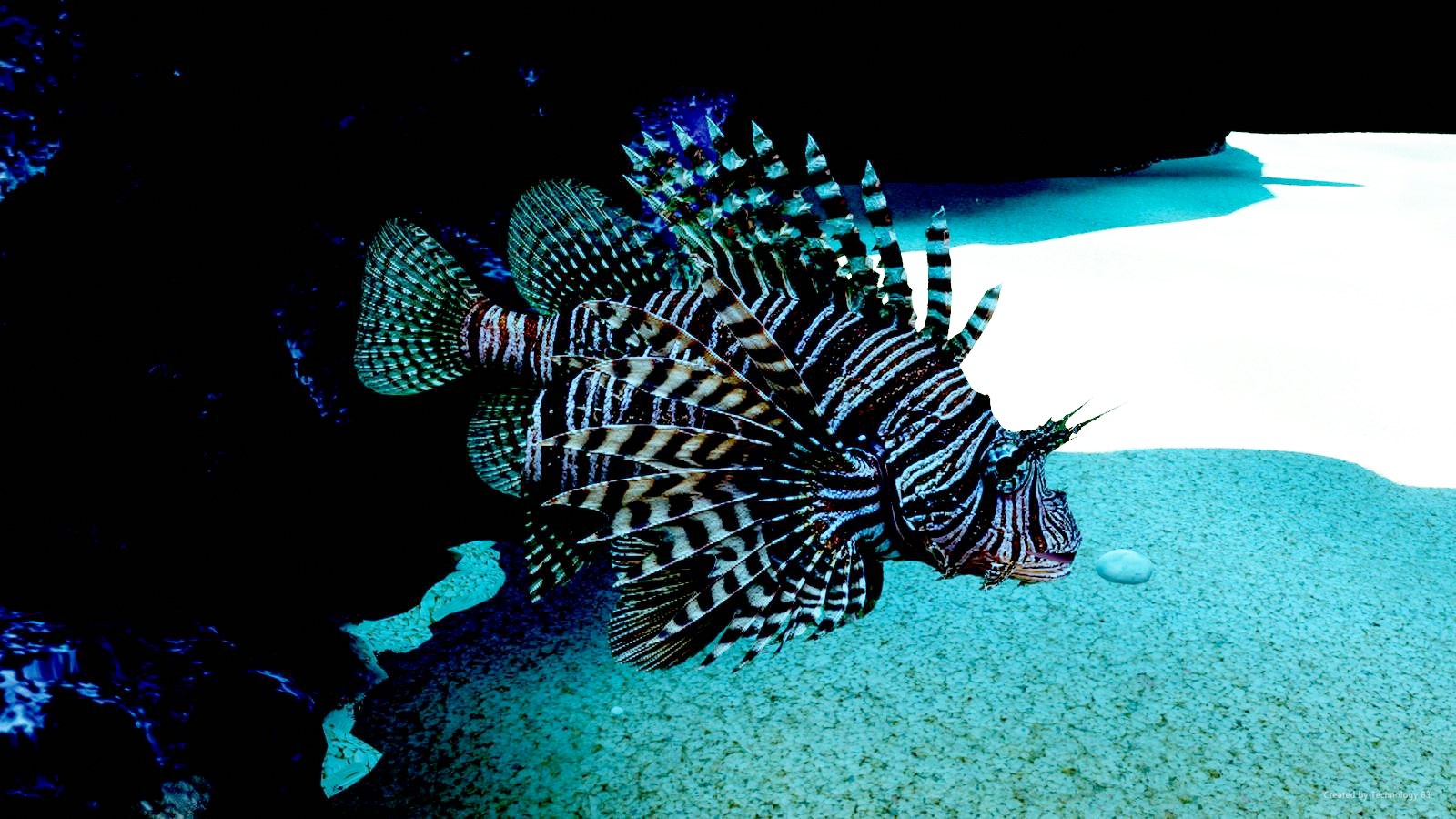
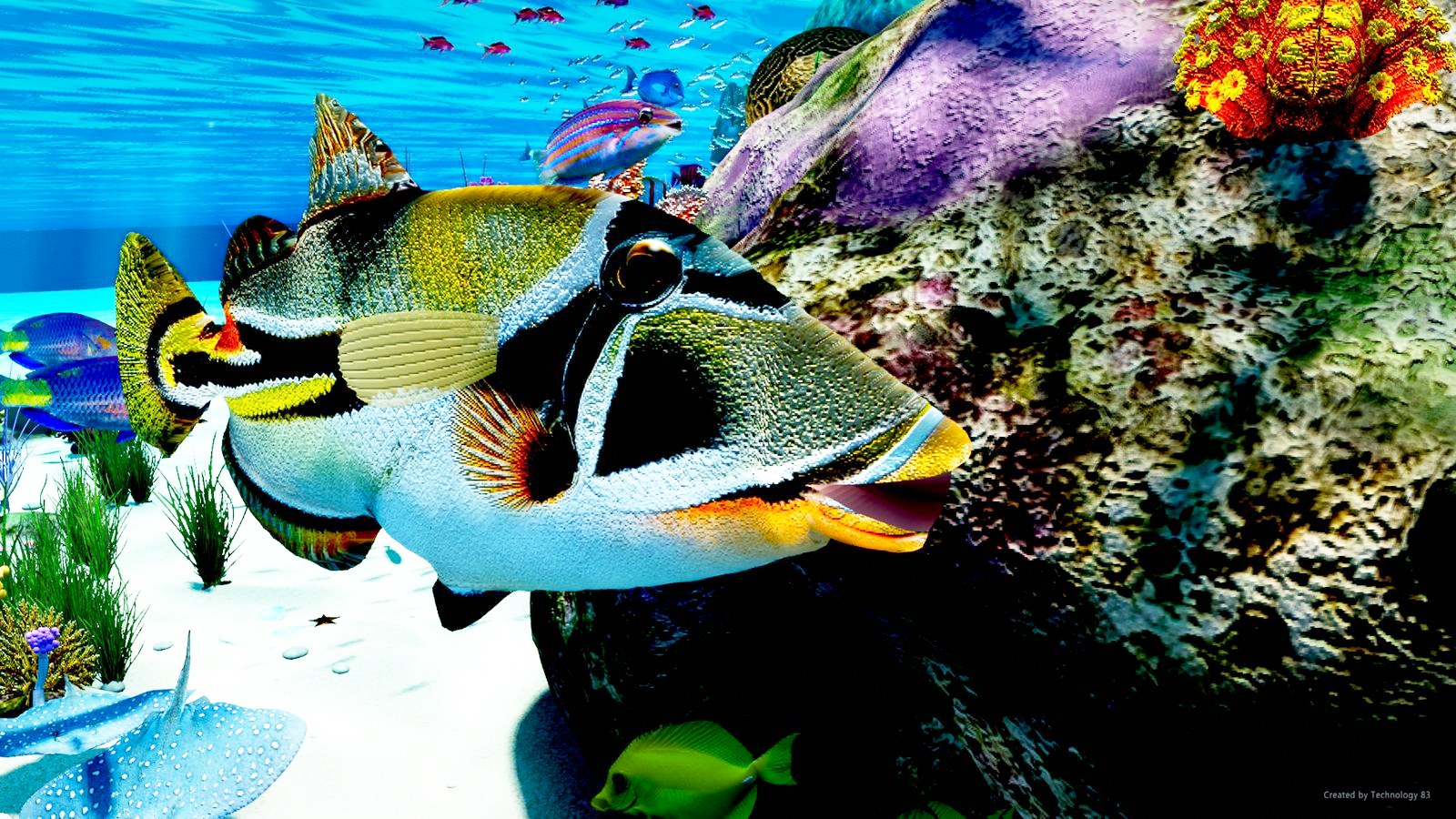
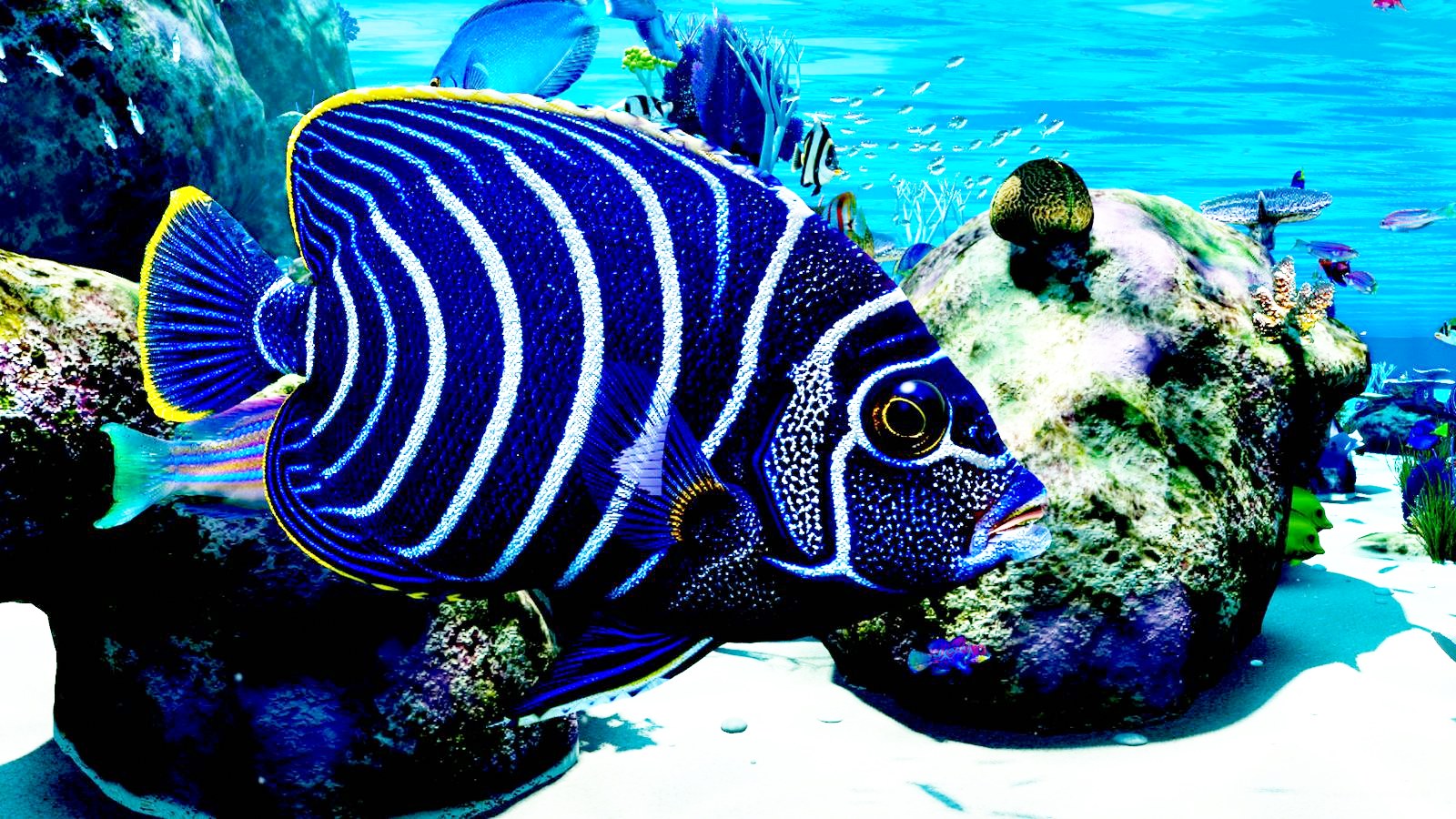
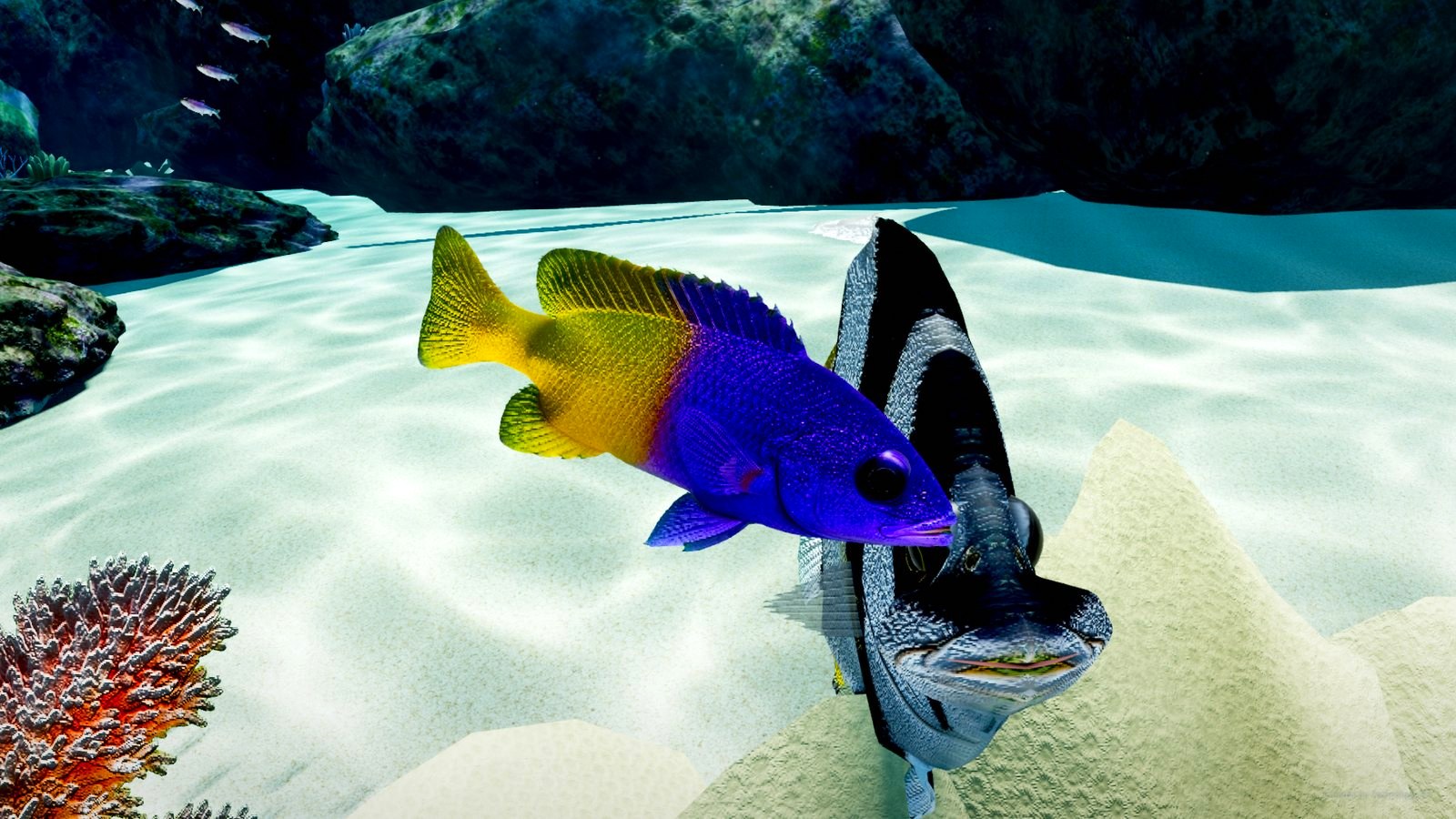
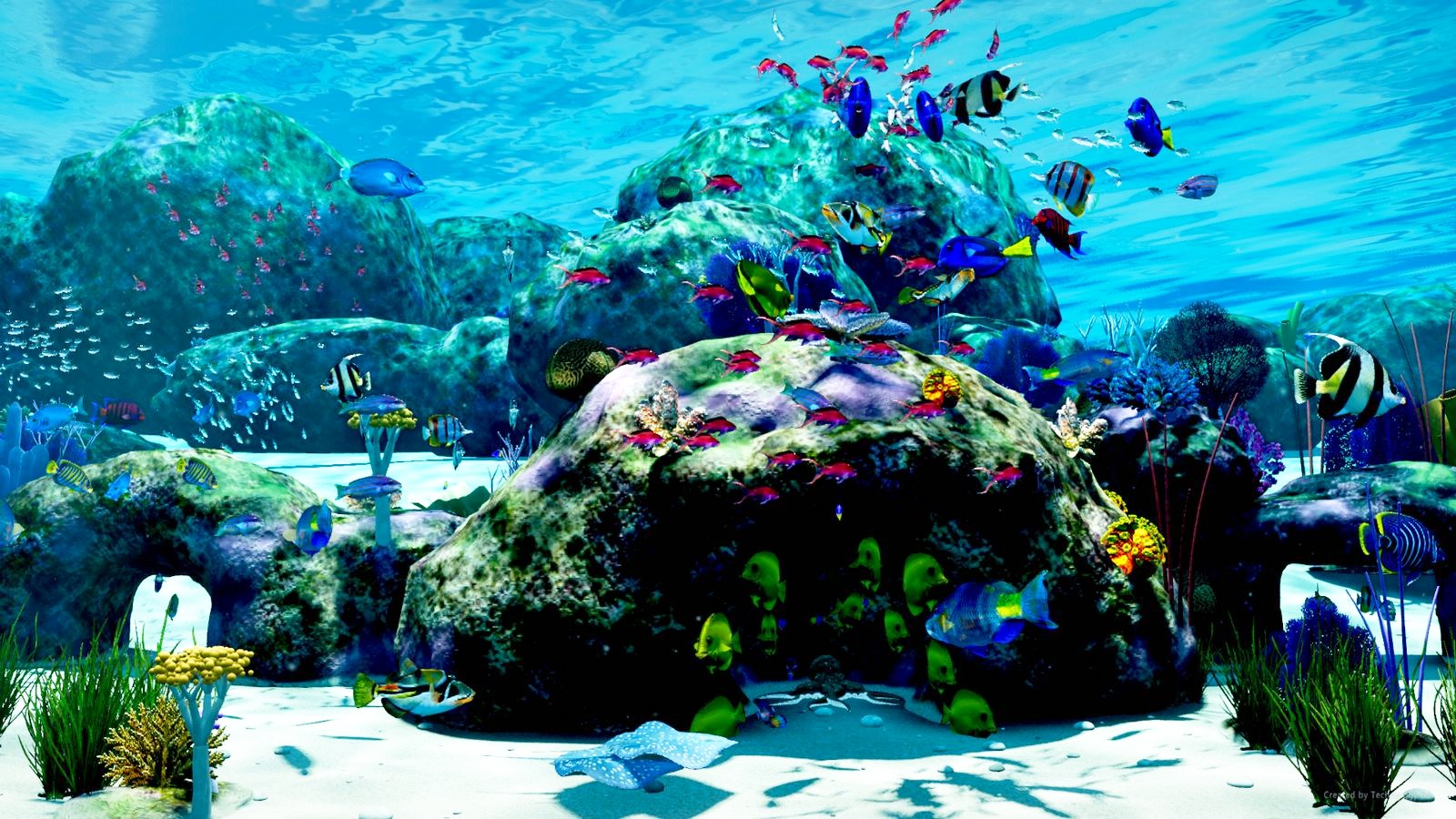
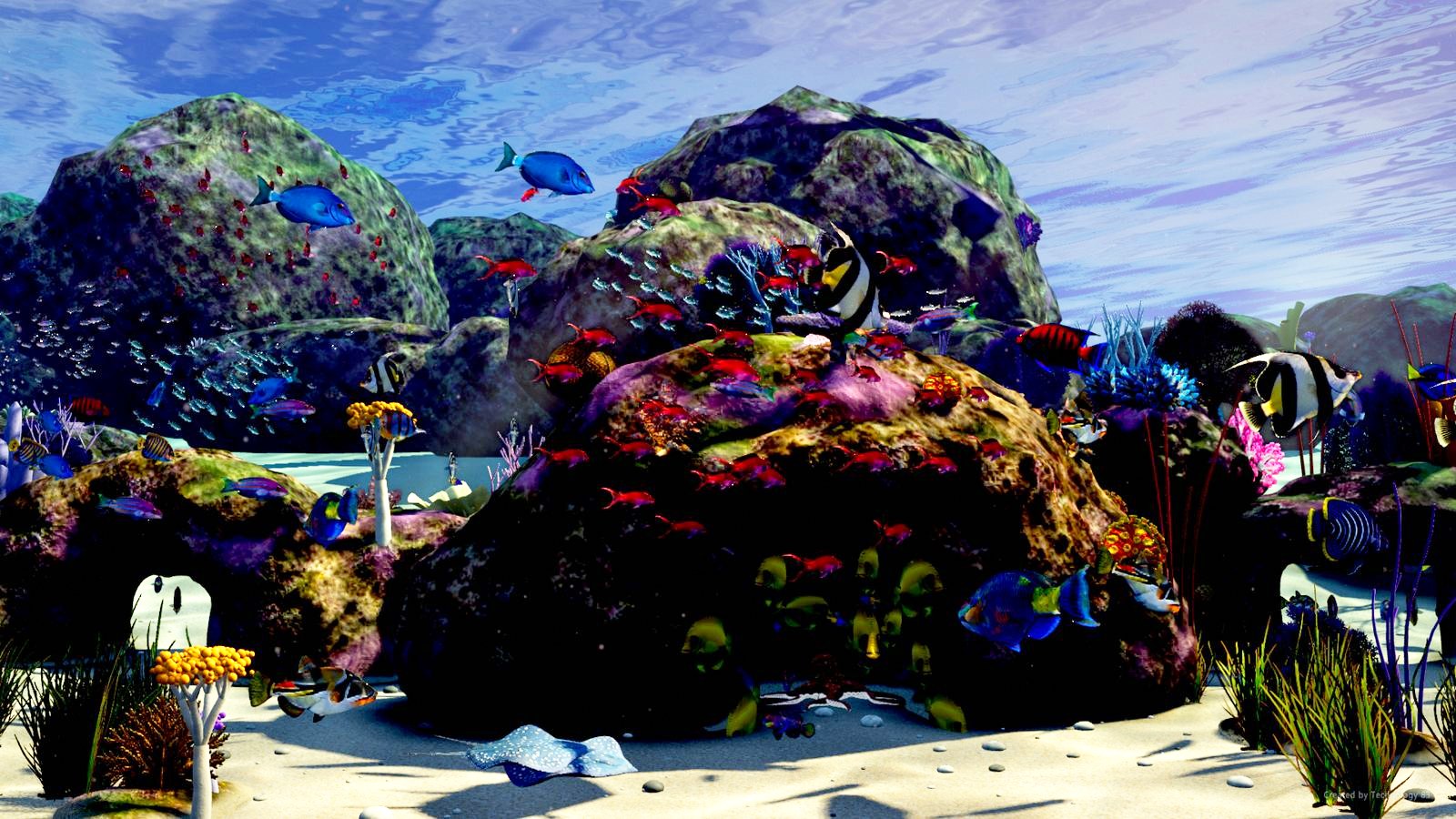
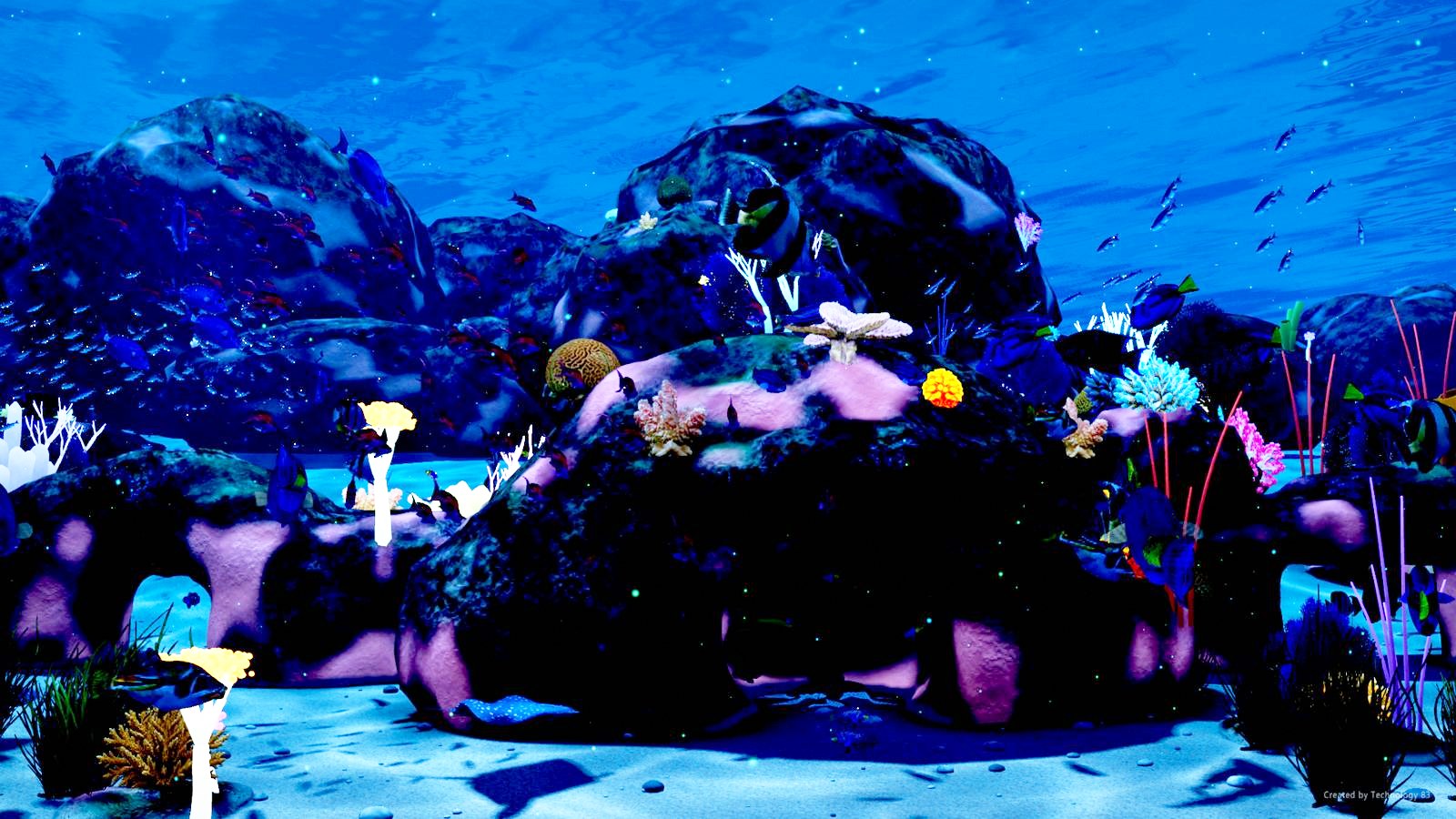
What's in the tank
Visitors
Every so often something big comes through. A manta ray, a shark, a sea turtle, or a whale off in the distance. On a multi-monitor setup they cross from one screen to the next. You can pick which ones show up and how often.
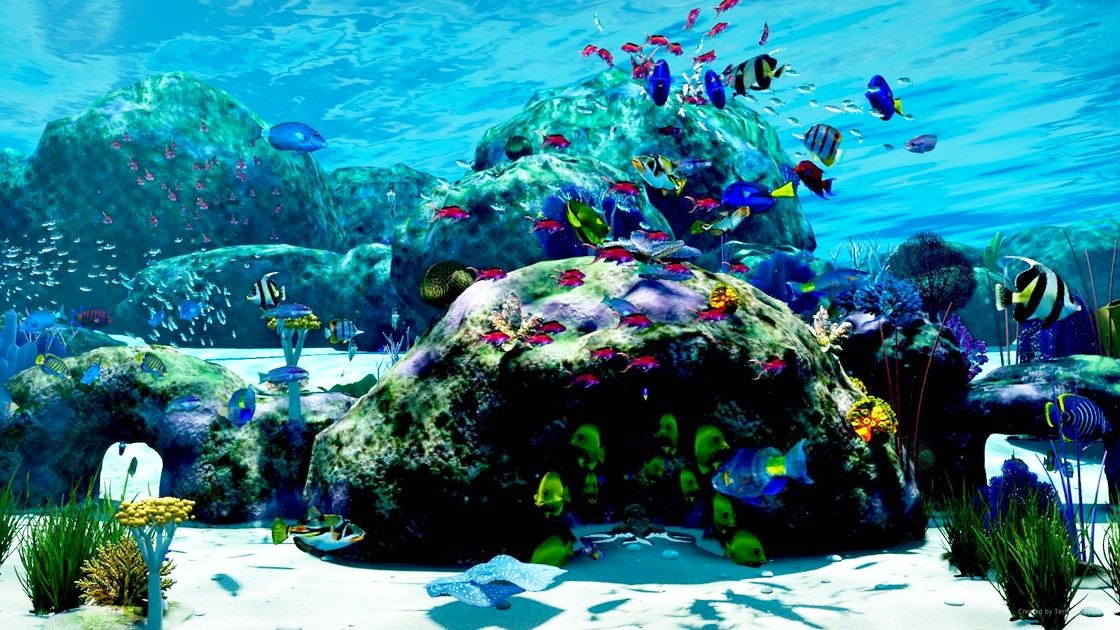
Feeding time
Press F and food sprinkles in from the surface. The closest fish come up to eat, and more join in if you keep feeding. You can change the key if you like.
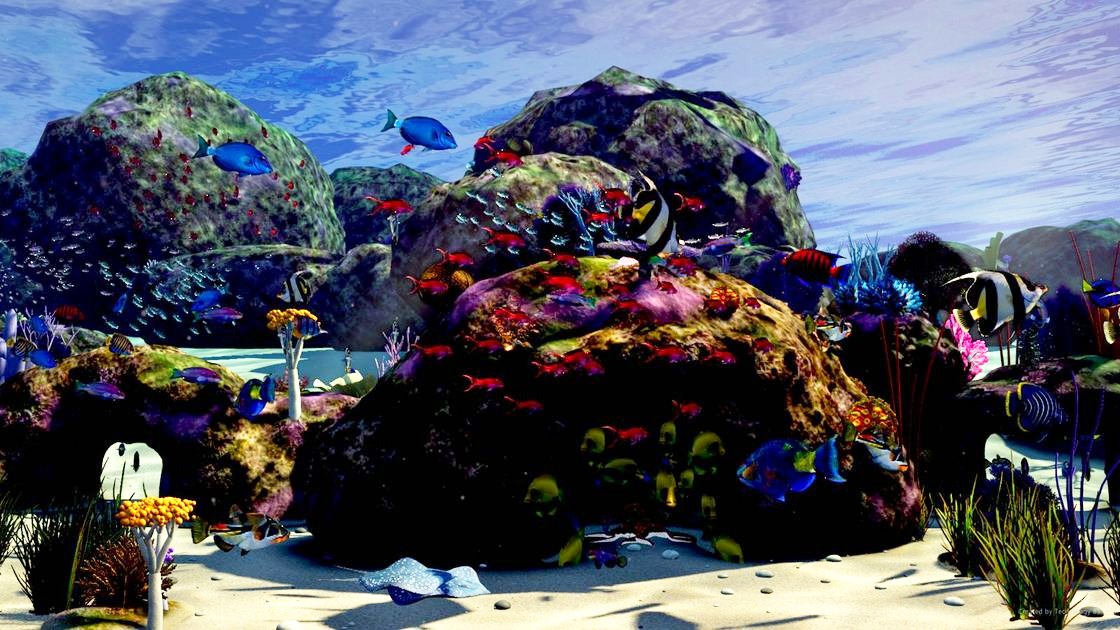
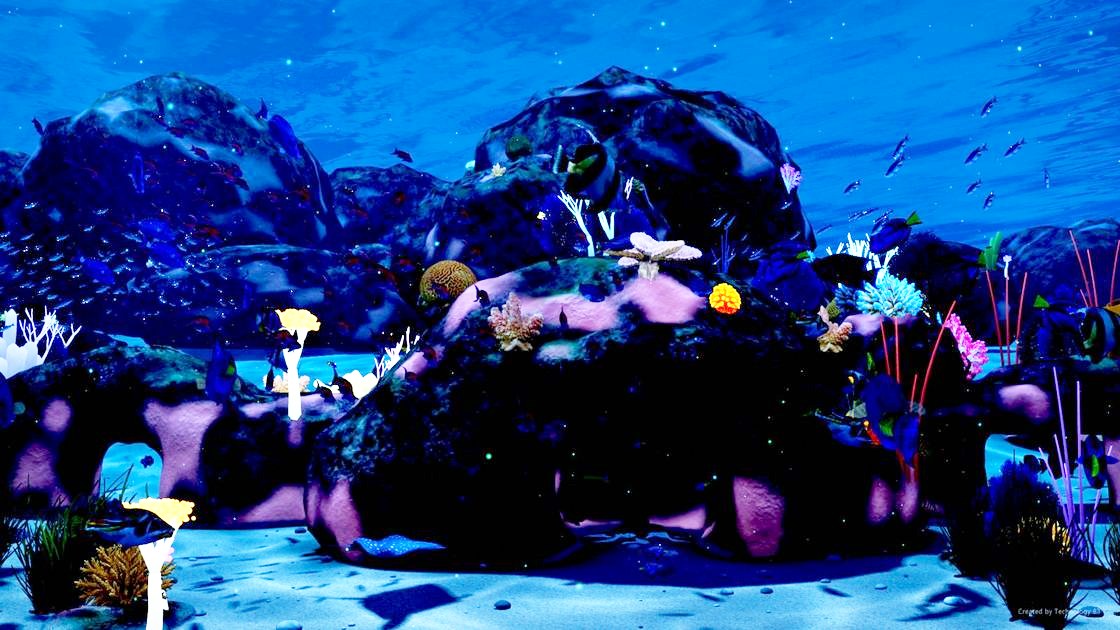
Day and night
The light follows the clock on your PC. Bright in the morning, warm in the evening, and at night it gets dark and the coral glows. Or lock it to your favourite time of day.
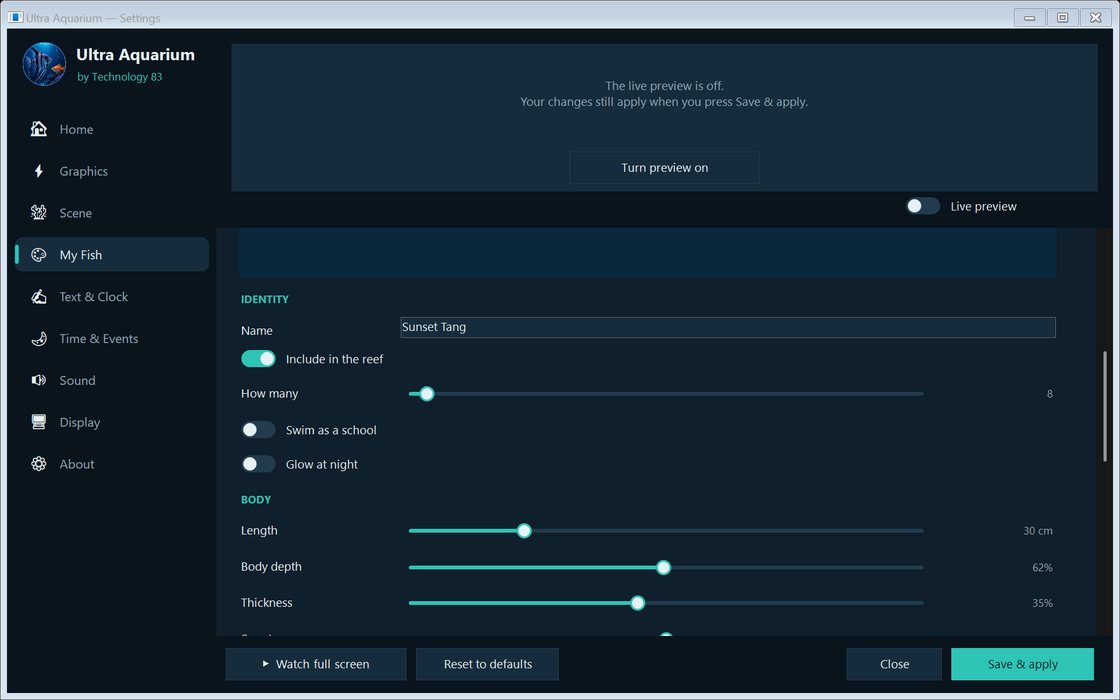
Make your own fish
Pick a name, size, shape, colours and pattern, how many you want, and whether they school together. They swim right alongside everything else.
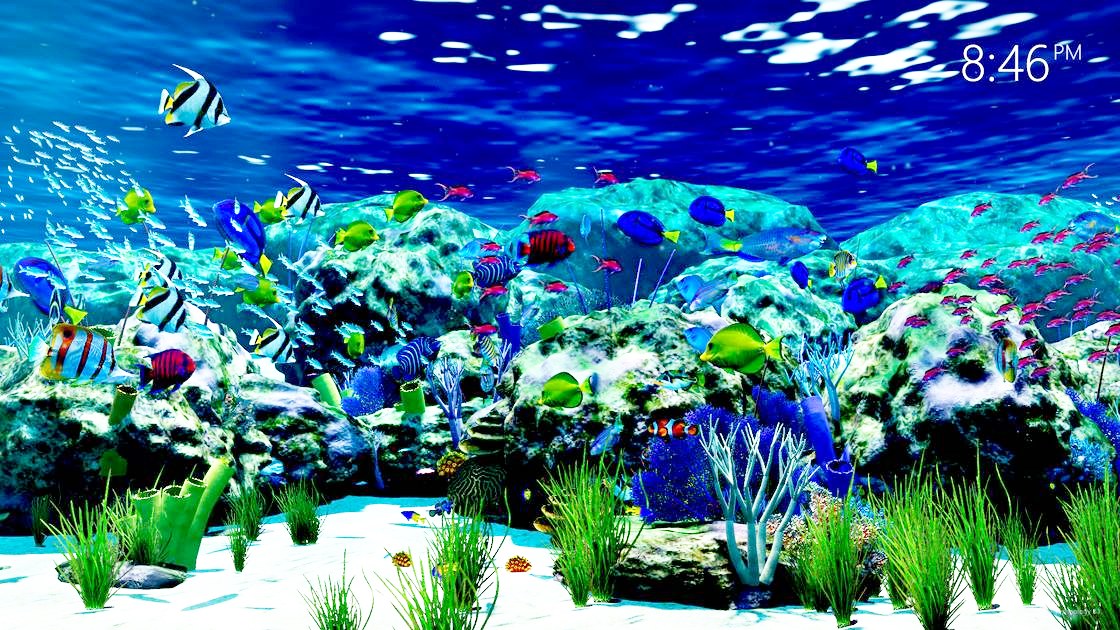
A clock, or your own message
Put a clock in the corner, or add your own words to the tank. They can be written in the sand, or spelled out by a school of fish.
Screensaver, wallpaper, or just watch
Use it as your screensaver, as live wallpaper behind your desktop icons, or open it full screen whenever you want to sit back and watch.
Why is it free?
Honestly, because I love aquariums. I've been working on this for a long time and I want as many people as possible to enjoy it.
There are no ads and nothing to buy. Down the road there might be a donate button, or some optional bonus content, but the aquarium itself is free and it's staying that way.
How it was made
Ultra Aquarium was built with the latest frontier AI models, including Claude, ChatGPT and Grok. Many thousands of dollars' worth of AI credits went into it: the fish, Octopus Boy, the lighting, the way everything moves. It took a lot of tries to get it looking right.
Curious what it does on your PC? Everything that touches your computer or the internet, including the settings, the updates, the installer and this website, is on GitHub for anyone to read.
Installing
Run the installer and Ultra Aquarium opens when it's done. If Windows asks for the .NET 8 Desktop Runtime, say yes. It's a free Microsoft component that lots of apps use.
When a new version comes out, the app tells you, and it only updates if you click Update.
Want an older version? Uninstall Ultra Aquarium first (Windows Settings, Apps), then run the older installer. Your settings are kept. Version 7.25.1 (17 MB) · Version 7.25.0 (17 MB) · Version 7.0.3 (13 MB)